
Travel and device access
Phone checks at a border or checkpoint: what a vault app can and cannot do
Crossing a border with a phone full of your life can feel uneasy. This page explains the published rules in plain words, so you can plan calmly. It is general information, not legal advice.
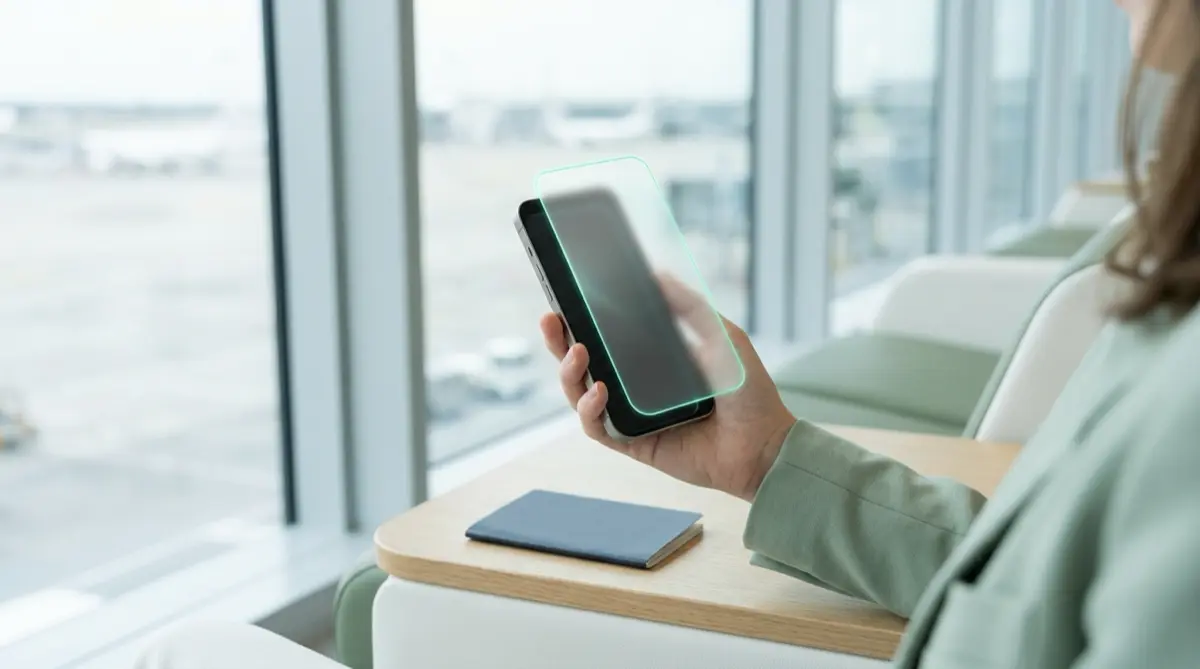
U.S. Customs and Border Protection says officers may do a basic manual look through a phone with or without suspicion, and an advanced search with equipment only with reasonable suspicion or a national security concern. A vault app is not a way to hide things from officials. The calm, lawful step is to decide before you travel what really needs to be on the phone.
Practical answer
What to do now
Before the trip, go through your phone and ask what you truly need while travelling. Make sure anything important is backed up, so you could travel with less on the device and still have it at home.
What not to rely on
Do not rely on an app, a disguise icon or a decoy to get you through an official search. Lying to officers or destroying data during a search can create serious legal problems on top of the inspection.
What Vaultmira protects
Day to day, it keeps private files sealed with a key from your drawing, away from Photos and from anyone who only knows your passcode. Its backups are sealed before they reach your own iCloud.
What Vaultmira does not solve
It does not change your legal duties at a border. Whether you must unlock a device, and what happens if you refuse, depends on your citizenship and status. Do not use the panic drawing on officials.
What to remove after import
If you choose to travel lighter, check that the files you leave behind are safely backed up and that you know your drawing and phrase before removing anything from the phone.
When to ask a professional
If you are a journalist, lawyer, activist, or worried about your immigration status, speak to a lawyer before you travel. Organisations like EFF publish travel guides that go further than this page.
The problem
CBP’s public rules split phone searches in two. In a basic search, an officer looks through the device by hand. In an advanced search, an officer connects equipment to copy or analyse its contents. CBP says officers turn off network connections first and may not use the device to reach data stored only remotely.
EFF points out that whether you can refuse to unlock a device or give a passcode depends on your citizenship status. U.S. citizens must be let back into the country, though EFF notes a device may be held for days, weeks or months; for other travellers, refusing can lead to denial of entry.
The consequences
For most travellers, a search never happens. When one does, it can feel invasive, especially when the phone holds family photos, medical pictures or private messages that have nothing to do with the trip.
The worst outcomes usually come from panic: a false answer, deleting things in front of an officer, or handing over a decoy. Those choices can turn a routine check into a much bigger problem.
How Vaultmira helps
Vaultmira is built for everyday privacy: a partner, a friend scrolling, a lost phone. It is not built to defeat lawful inspections, and we do not suggest using it that way. In particular, do not use the panic drawing during an official search; erasing data while being inspected may be treated as destroying evidence.
What Vaultmira does offer is a calm way to travel lighter. Every vault can keep a sealed backup in your own iCloud. If you decide before the trip that some files do not need to come with you, make sure those vaults are backed up and that you know their drawings and your backup phrase. Removing the app removes the vaults from the phone; installing it again and drawing the shape brings backed-up vaults back.
If you are asked to unlock your phone and open apps, follow the officer’s instructions or say clearly that you want to speak to a lawyer. Honesty is the safest path.
Setup checklist
- Read CBP’s page on border searches of electronic devices before an international trip.
- Decide which files you actually need while travelling.
- For anything you leave behind, check that each vault shows it is backed up.
- Keep your backup phrase written down at home, not on the phone.
- If a device is held, ask for a custody receipt; EFF names CBP Form 6051D.
- Never lie to officers, never hand over a decoy, and never erase data during an inspection.
- If you are worried about your status or your work, talk to a lawyer before you go.
Questions this page answers
If you searched for any of these, this page is for you.
| Intent | Question |
|---|---|
| Understand | can border agents search my phone |
| Decide | do I have to unlock my phone at the border |
| Protect | photo vault app border crossing |
| Understand | CBP basic search advanced search phone |
| Act | how to travel with less data on my phone |
What this is based on
This page combines how Vaultmira works (checked against the app itself) with the public sources below.
- U.S. CBP: Border Search of Electronic Devices at Ports of EntryCBP’s own description of basic and advanced searches
- CBP Directive 3340-049B: Border Search of Electronic Devices (January 2026)The full policy officers follow
- EFF: A Journalist Security Checklist for the US BorderPractical device preparation and how citizenship matters
Frequently asked questions
Can I use Vaultmira’s panic drawing at the border?
We strongly advise against it. The panic vault is meant for personal coercion, not official inspections. Erasing data during a lawful search can lead to serious legal trouble. Ask a lawyer if you are unsure what applies to you.
Will border officers look at my iCloud?
CBP’s published policy says officers turn off network connections and may not use the device to reach information stored only remotely. Policies can change, so read CBP’s current page before you travel.
Is this legal advice?
No. It is general information drawn from CBP’s public pages and EFF’s travel guidance. Your rights depend on your citizenship, status and the country you are entering.
Protect the files that carry context
Start with the files that would hurt most in the wrong hands. Draw a shape, move them in, and they are sealed on your iPhone.
Download Vaultmira Free