
Work and professional confidentiality
Protecting Source Material and Photos as a Journalist
A leaked page photographed in a parking lot. A screenshot from a source. Notes from a quiet conversation. Reporting lives on phones now, and so does the risk to the people who trust you.
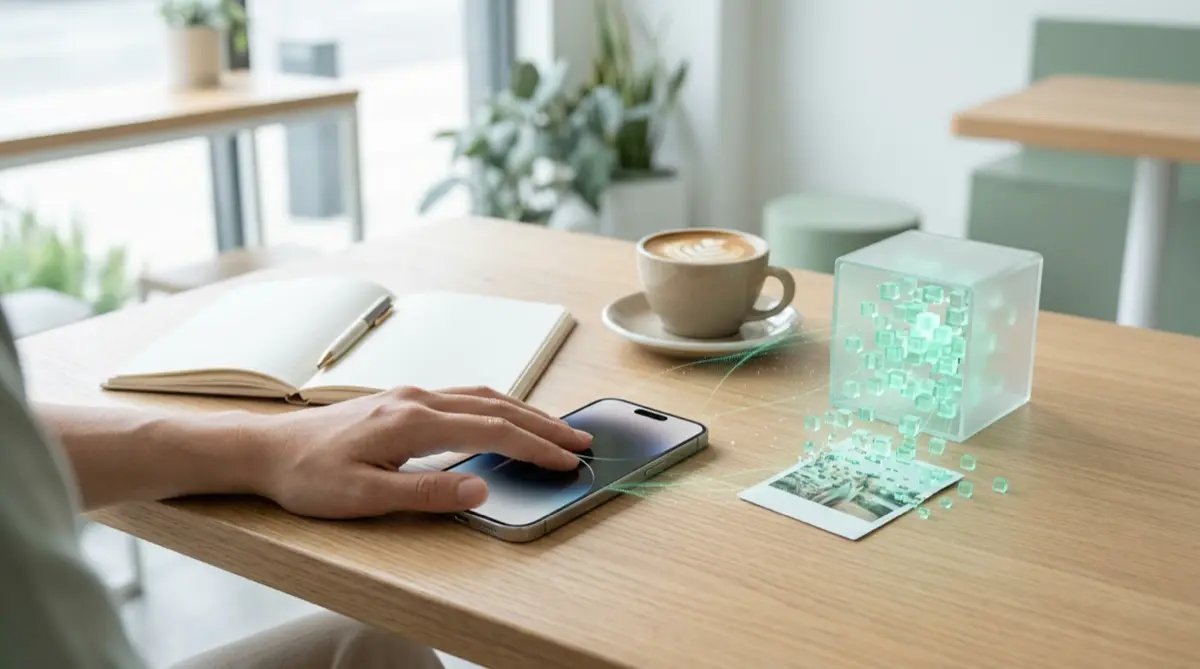
Keep source material out of the Photos app and out of everyday cloud sync. Vaultmira lets you photograph, scan and note things straight into an encrypted vault, and you can keep a vault on the device only by switching its backup off. It is one layer: follow a full digital safety plan, such as CPJ’s Digital Safety Kit, for devices, accounts and travel.
Practical answer
What to do now
Make a dedicated vault for one story or one source, and capture new material with Vaultmira’s camera, scanner or notes.
What not to rely on
The camera roll, iCloud Photos and the Hidden album were not built for source protection. The Hidden album opens with the iPhone passcode.
What Vaultmira protects
Files, previews, names and the file list are sealed with AES-256-GCM on the phone. No account, no email, no analytics, and no Vaultmira server holds your files.
What Vaultmira does not solve
It cannot protect a phone infected with spyware, stop legal orders to unlock, or hide that the app is installed. Metadata in imported photos may stay with them.
What to remove after import
Remove originals from Photos and empty Recently Deleted. Delete copies in Files, chat apps and email attachments too.
When to ask a professional
For high-risk work, talk to your outlet’s security team or press freedom groups. Apple suggests Lockdown Mode for people facing highly targeted attacks.
The problem
Journalists photograph documents, screenshot messages and record evidence on the same phone they use for everything else. By default, all of it goes to Photos, gets sorted into collections such as documents and handwriting, and syncs with iCloud Photos to every signed-in device.
Phones are also where pressure lands: a stop by police, a border check, a stolen bag, a curious colleague. The Committee to Protect Journalists reminds reporters that anyone who knows your password, or can force you to unlock, can see what is on the device.
The consequences
A single photo can identify a source through a face, a reflection, a desk or the place it was taken. Exposure can cost a source their job, their freedom or their safety.
Loose copies are the usual leak: the original still in the camera roll, a forwarded copy in a chat app, a file in Downloads.
How Vaultmira helps
Vaultmira’s camera and document scanner save straight into the open vault, never to Photos. Vaultmira never asks for Location access, so the app itself cannot add your location to what you capture. Notes typed in a vault are sealed the same way as photos.
Each vault opens only with its own drawing, and the app shows no list of vaults. With Vaultmira Pro, a panic vault erases the other vaults on the device when you draw it, and the Zero-Trace Browser keeps nothing after you close it.
You choose where material lives. Leave Encrypted iCloud Backup on and only sealed files reach your own iCloud. Switch it off for a vault, and that material exists only on this phone, which also means it is gone if the phone is lost.
Setup checklist
- Follow a full device and account plan, such as CPJ’s Digital Safety Kit, before relying on any single app.
- Make a separate vault per story or source, with drawings nobody has seen you make.
- Capture new material with Vaultmira’s camera, scanner or notes, not the Camera app.
- For photos you import, consider stripping location first; you can stop the Camera app recording location in Settings → Privacy & Security → Location Services → Camera.
- Remove originals from Photos, empty Recently Deleted, and clear copies in chat apps and Files.
- Decide per vault: backed up to your iCloud, or kept on this phone only.
- Store the backup phrase away from the phone, in a place you control.
Questions this page answers
If you searched for any of these, this page is for you.
| Intent | Question |
|---|---|
| Primary | how journalists protect source photos on iPhone |
| Protect | secure place for leaked documents on phone |
| Check | do photos keep location data iPhone |
| Protect | encrypted camera app for journalists |
| Plan | journalist phone security checklist |
What this is based on
This page combines how Vaultmira works (checked against the app itself) with the public sources below.
- CPJ Digital Safety Kit for journalistsDevice, account and border advice for reporters
- Apple Support: About Lockdown ModeExtreme protection for targeted users
- Apple Personal Safety Guide: Manage location metadata in PhotosStop and remove location data in photos
Frequently asked questions
Does Vaultmira strip metadata from imported photos?
We do not promise that. A photo you import may keep the details it already carries. Photos taken with Vaultmira’s camera are never saved to Photos, and the app never asks for Location access.
Can Vaultmira protect me from spyware?
No app can protect files on a phone that is already compromised. For targeted threats, see Apple’s Lockdown Mode and get expert help.
Can I send material to my editor?
With Vaultmira Pro, share a folder as a read-only copy with a one-time phrase, sent in a different app. Saving copies out of the app is off unless you allow it.
Protect the files that carry context
Start with the files that would hurt most in the wrong hands. Draw a shape, move them in, and they are sealed on your iPhone.
Download Vaultmira Free