
Work and professional confidentiality
Keeping Work and Personal Photos Apart on One iPhone
Your camera roll has a whiteboard from Monday’s meeting, a photo of a client’s site, your kid’s birthday cake and a screenshot of your bank app. That mix is normal, and it causes trouble at both ends.
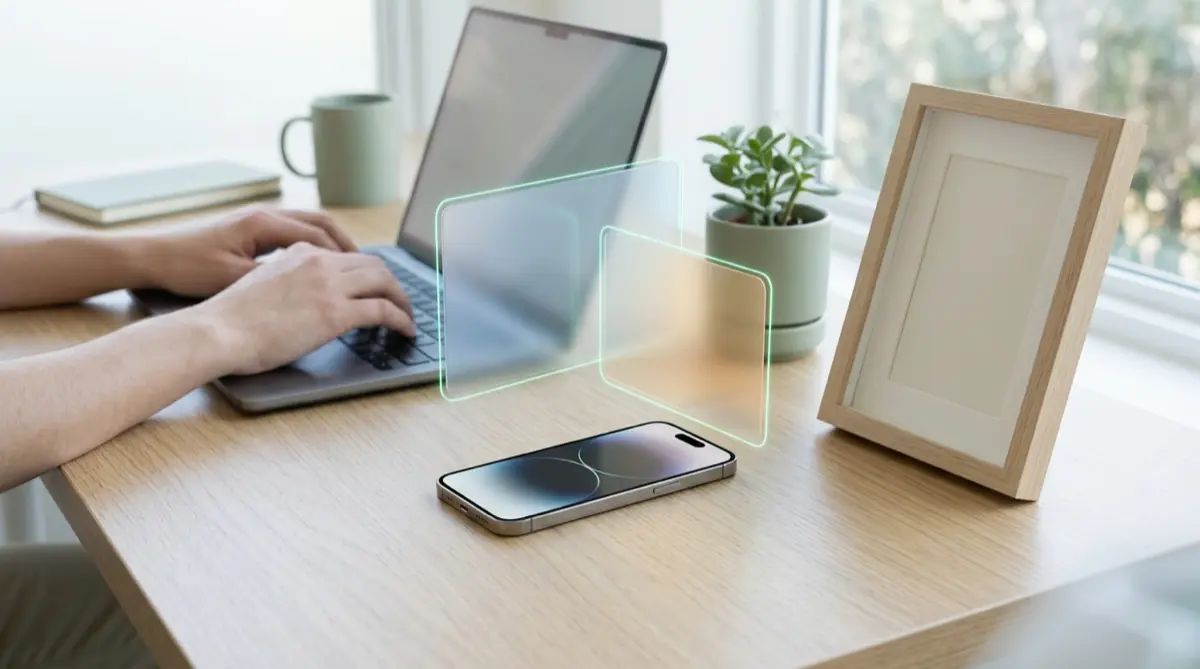
The Photos app keeps everything in one library, so showing a colleague a work photo means scrolling past personal ones, and the other way round. Vaultmira lets you keep separate vaults with separate drawings: one for work, one for personal life, each sealed with its own key.
Practical answer
What to do now
Make a work vault and a personal vault, each with its own drawing, and move the photos that matter into the right one.
What not to rely on
Albums are just labels. Every photo in an album is still in the main library, Memories and search.
What Vaultmira protects
Each vault has its own key, its own files and its own name sealed inside it. Opening one never reveals the other.
What Vaultmira does not solve
It does not replace your employer’s tools or rules. If your company manages work data on your phone, follow its policy.
What to remove after import
After moving photos, tap Remove from Photos and empty Recently Deleted. Delete copies you added from Files in the Files app.
When to ask a professional
If work photos include customer, patient or confidential data, ask your manager or IT team where they must be kept.
The problem
Most of us carry one phone for everything. The camera is the fastest way to remember a whiteboard, a product label, a receipt for expenses or a delivery note. All of it lands next to family photos and private screenshots.
Some companies use Apple’s User Enrollment, which keeps work apps and data apart from personal data on your own iPhone. But work photos you take with the regular Camera app usually end up in your personal library anyway.
The consequences
At work, you hand your phone to a colleague to show a site photo, and they swipe into your weekend. At home, a family member scrolls into a confidential slide or a client’s address.
Mixed libraries also make it harder to clean up. When you leave a job, work pictures linger for years in your personal iCloud, often longer than they should.
How Vaultmira helps
In Vaultmira, each drawing opens its own vault. You might use an L-shape for work and a zigzag for personal things. Both vaults are encrypted with their own keys, and the app keeps no list that would show one vault from inside the other.
Inside a vault, you can add folders, rename files and search by name, so a work vault can have folders like “Site visits” or “Expenses”. Take photos directly with Vaultmira’s camera or scan a paper with the document scanner, and they never reach your personal gallery.
When you need to show a single picture, open it and use Show one photo: swiping is off and Done locks the vault. With Vaultmira Pro you can share one folder as a read-only copy with a colleague who also has the app.
Setup checklist
- Read your employer’s policy on photos and data on personal phones first.
- Make a work vault and a personal vault with two different drawings.
- Create folders in each vault, for example by project or by family member.
- Move existing photos in, then tap Remove from Photos and empty Recently Deleted.
- Use Vaultmira’s camera or document scanner for new work pictures.
- When a project ends, delete what you no longer need from the work vault.
Questions this page answers
If you searched for any of these, this page is for you.
| Intent | Question |
|---|---|
| Primary | separate work and personal photos on iPhone |
| Protect | hide personal photos when showing work photos |
| Organize | keep work pictures out of camera roll |
| Check | can my employer see my iPhone photos |
What this is based on
This page combines how Vaultmira works (checked against the app itself) with the public sources below.
- Apple Platform Deployment: User Enrollment and device managementHow companies separate work data on personal iPhones
- Apple Support: Find receipts, QR codes and more in PhotosPhotos sorts documents and receipts into collections
- Apple Support: Delete photos on your iPhone or iPadRemove originals fully from Recently Deleted
Frequently asked questions
Can I have more than one vault on the free plan?
Yes. You can make as many vaults as you like. The free plan limits photos and videos in each vault (100 photos, 10 videos), not the number of vaults.
Can my employer see what is in Vaultmira?
Vaultmira has no account and no server for your files, and files are sealed on your phone. Your employer’s own device management rules still apply to your phone, so check them.
Can I share a work folder with a colleague?
Yes, with Vaultmira Pro. Share a folder as a read-only copy with a one-time phrase. Your colleague can open it for free.
Protect the files that carry context
Start with the files that would hurt most in the wrong hands. Draw a shape, move them in, and they are sealed on your iPhone.
Download Vaultmira Free