
Documents, legal and medical records
Medical photos and records: useful for your doctor, private from everyone else
Tracking a healing wound, a changing mole or a child’s rash with photos is genuinely helpful. Having those pictures pop up between beach photos is not.
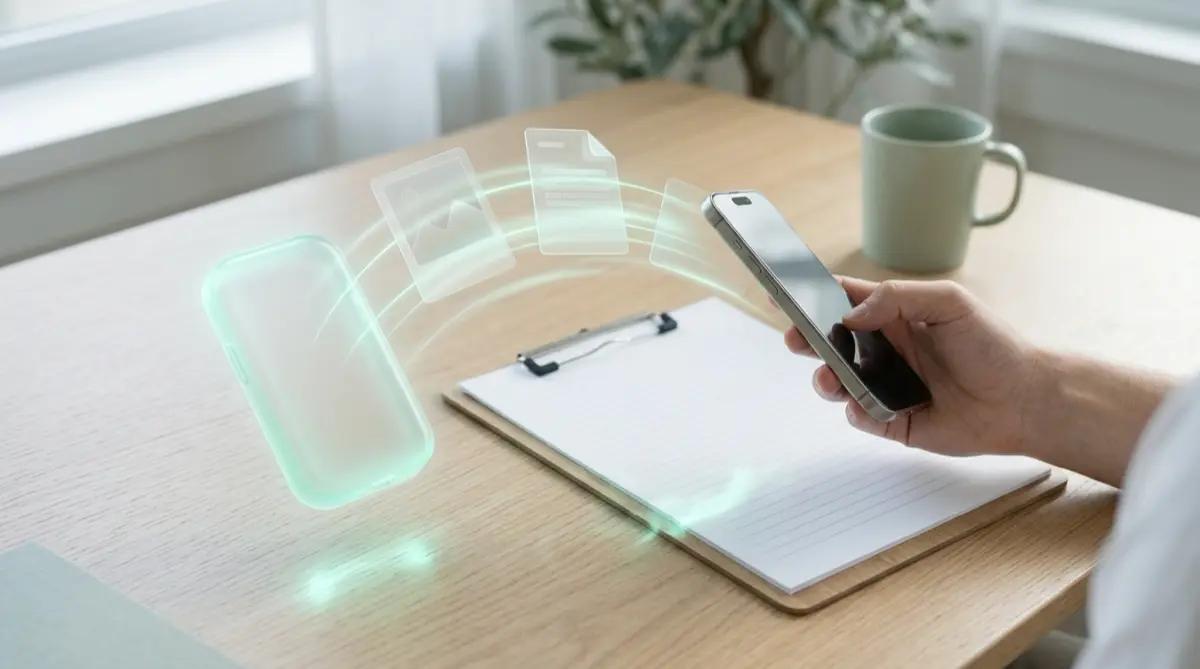
Take health photos inside Vaultmira’s camera, so they never land in Photos, and keep lab results and letters in the same vault. When your doctor needs one, open it and share just that file. Your clinic’s records stay the official copy; your vault is your private one.
Practical answer
What to do now
Find health photos and screenshots in Photos (rashes, wounds, test results, prescriptions, insurance cards) and move them into a vault. From now on, use the in-app camera for new ones.
What not to rely on
The Hidden album and Recently Deleted open with Face ID or your passcode. Photos you share through iCloud or a family album appear on other devices too.
What Vaultmira protects
Photos, videos and documents in a vault are sealed with AES-256-GCM. Pictures from the in-app camera are never saved to Photos, and screenshots of the app come out black.
What Vaultmira does not solve
It is not a medical record system and gives no medical advice. HIPAA rules cover your doctors and health plans, not the apps you choose for your own copies.
What to remove after import
After import, let Vaultmira remove the originals from Photos, then empty Recently Deleted. Delete medical screenshots from chats where you no longer need them.
When to ask a professional
Any worrying change in a photo is a reason to see a clinician, not to keep watching. To get copies of your official records, ask your provider; HHS explains your right to them.
The problem
Doctors often ask patients to photograph symptoms between visits: how a rash spreads, how a scar heals, what a reaction looked like at its worst. We also snap prescriptions, discharge papers and insurance cards so they are always with us.
All of that goes into the same camera roll as everything else. It syncs to every device on your Apple Account, it can turn up while you show someone a holiday picture, and it opens with your passcode.
The consequences
Health is one of the most personal parts of life. An accidental glimpse can mean awkward questions at work or at home, or sharing a diagnosis before you were ready.
For parents, photos of a child’s body for the paediatrician are especially worth keeping out of shared albums and family devices.
How Vaultmira helps
Vaultmira’s secure camera takes photos and videos inside the app. They are sealed straight into the vault and never touch the Photos gallery. Paper results can be scanned into a PDF with “Scan an ID or paper”, and a quick symptom diary fits in a “New note”.
Folders keep things in order (for example “Skin” or “Knee surgery”), and sorting oldest first makes changes over time easy to compare. Keep health files in their own vault with its own drawing; see hidden vaults.
When the doctor asks to see a photo, open it in the vault and use the share button to send that one file through the clinic’s portal or a channel you trust. That copy leaves the vault, so send only what is needed.
Setup checklist
- Make a health vault with its own drawing.
- Move existing medical photos and screenshots into it.
- Remove the originals from Photos, then empty Recently Deleted.
- Use Vaultmira’s camera for new symptom photos.
- Scan paper results and prescriptions into PDFs.
- Keep Encrypted iCloud Backup on, so your history survives a lost phone.
- Share single files with your clinician only when asked.
Questions this page answers
If you searched for any of these, this page is for you.
| Intent | Question |
|---|---|
| Protect | hide medical photos on iPhone |
| Act | private place for rash photos for doctor |
| Understand | does HIPAA cover apps on my phone |
| Act | keep child medical photos private |
| Recover | get copies of my medical records |
What this is based on
This page combines how Vaultmira works (checked against the app itself) with the public sources below.
- HHS: Your Rights Under HIPAAYour right to copies of your health records
- Apple Support: Delete photos on your iPhone or iPadiCloud Photos deletes across devices; Recently Deleted keeps 30 days
Frequently asked questions
Can my doctor open my Vaultmira vault?
Only if you give them your drawing or phrase, which you should not. Share single files instead. With Pro, Secure Sharing can also share a folder with one person through a one-time phrase.
Are videos from the in-app camera kept out of Photos too?
Yes. Photos and videos taken inside Vaultmira are saved only in the vault, sealed. The Free plan keeps up to 100 photos and 10 videos per vault; Pro removes the limits.
Is Vaultmira HIPAA compliant?
HIPAA applies to health care providers and plans, not to an app you use for your own copies. Vaultmira has no server for your files and collects no data, but it is not a medical records service.
Protect the files that carry context
Start with the files that would hurt most in the wrong hands. Draw a shape, move them in, and they are sealed on your iPhone.
Download Vaultmira Free