
Documents, legal and medical records
Photos of your passport and ID: handy when you need them, sealed when you don’t
Hotel desks, rental forms and lost wallets make a copy of your passport feel essential. Left in your camera roll, it is also one of the most sensitive pictures you own.
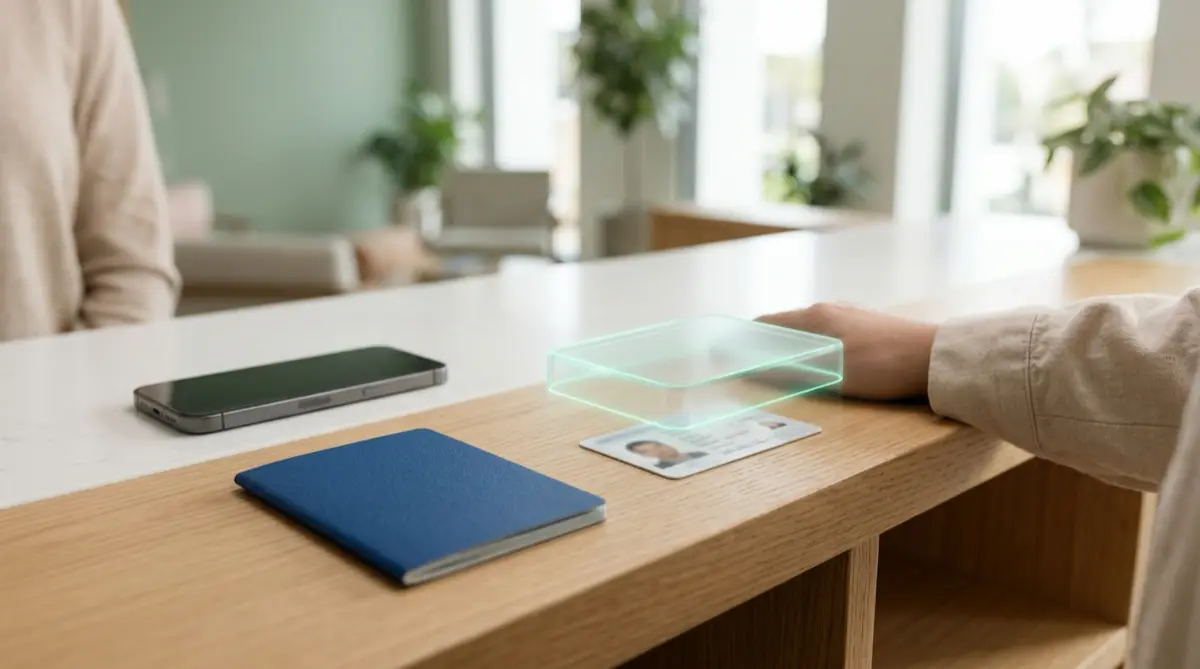
Keep ID copies, but not in Photos. Scan them inside Vaultmira with “Scan an ID or paper”, so they never touch your camera roll, and put them in a folder you can find in seconds. Remove any older ID photos from Photos and Recently Deleted. A copy is a convenience, not a replacement for the real document.
Practical answer
What to do now
Search your camera roll for passports, driving licences, residence cards and insurance cards. Move them into a vault, or rescan them inside Vaultmira for a clean PDF.
What not to rely on
The Hidden album only keeps photos out of the main view; anyone with your passcode can usually reach it. Screenshots sent to yourself in chat or email also leave copies on other services.
What Vaultmira protects
Scans and photos taken inside the app are sealed with AES-256-GCM and never saved to the Photos gallery. They sit together under the “IDs & scans” filter, behind your drawing.
What Vaultmira does not solve
It cannot stop identity theft if your ID was already exposed, and a phone copy is not accepted everywhere. Keep the physical document safe and know how to report it lost.
What to remove after import
Delete the original ID photos from Photos, then from Recently Deleted. Check Messages, Mail, other chat apps and Downloads for copies you sent to forms or hotels.
When to ask a professional
If your passport is lost or stolen, report it with the U.S. State Department. If you think someone is using your identity, report it at IdentityTheft.gov for a recovery plan.
The problem
An ID photo carries almost everything a fraudster wants: full name, date of birth, document number, signature and a face. In the camera roll it sits next to holiday pictures, often synced to every device on your Apple Account and easy to show by accident.
Most of us took those photos in a hurry, for a rental car or a visa form, and never thought about them again.
The consequences
If someone scrolls past it, copies it, or reaches your phone after a theft, an ID image can help them open accounts or pass identity checks in your name. Cleaning that up takes time and energy.
Losing the real passport abroad is stressful enough; not being able to find a copy when you need it makes it worse.
How Vaultmira helps
Vaultmira includes Apple’s document scanner. Tap Add, then “Scan an ID or paper”: pages become one PDF inside the vault, straight from the secure camera, never touching Photos. Scans appear under their own “IDs & scans” filter, and you can make a folder such as “Passport”.
Everything is sealed with a key from your drawing, and screenshots of the app come out black. With Encrypted iCloud Backup on, the copies survive a lost phone.
Travelling as a family? With Pro, Secure Sharing lets you share a single folder with one person using a one-time phrase, with an end date such as one week. They can open it for free.
Setup checklist
- Search Photos for “passport”, “license” and “card” to find old ID pictures.
- Rescan each ID in Vaultmira with “Scan an ID or paper”.
- Put them in a folder with a clear name, like Passport or Kids.
- Delete the old photos from Photos, then from Recently Deleted.
- Clear ID copies from chats, email drafts and Downloads.
- Keep backup on for this vault, so the copies survive a lost phone.
- Bookmark the State Department’s lost-passport page before you travel.
Questions this page answers
If you searched for any of these, this page is for you.
| Intent | Question |
|---|---|
| Protect | is it safe to keep a photo of my passport on my phone |
| Act | where to store ID photos on iPhone |
| Act | scan passport into secure app |
| Recover | lost passport abroad what to do |
| Understand | can someone use a photo of my ID |
What this is based on
This page combines how Vaultmira works (checked against the app itself) with the public sources below.
- U.S. Department of State: Report your passport lost or stolenOfficial way to report a lost U.S. passport
- FTC: IdentityTheft.govReport identity theft and get a recovery plan
- Apple Support: Delete photos on your iPhone or iPadRecently Deleted keeps photos for 30 days
Frequently asked questions
Do scanned IDs count toward the free photo limit?
The Free plan’s limits are on photos (100 per vault) and videos (10 per vault). A scan is saved as a PDF document in the vault, so it does not count toward either limit.
Will an ID scan show up in my iPhone’s Memories or search?
No. Scans made inside Vaultmira are saved only in the vault, sealed, and never in the Photos gallery.
Can I show my ID copy to a hotel without unlocking everything?
Keep ID copies in their own vault with a separate drawing. Opening it shows only those documents, not the rest of your private files.
Protect the files that carry context
Start with the files that would hurt most in the wrong hands. Draw a shape, move them in, and they are sealed on your iPhone.
Download Vaultmira Free