
Everyday boundaries
Your Child Plays Games on Your iPhone: How to Keep Private Files Out of Reach
You hand over your phone for a ten-minute game in the waiting room. Five minutes later your child is in Photos, swiping through pictures, or sending one to grandma by accident.
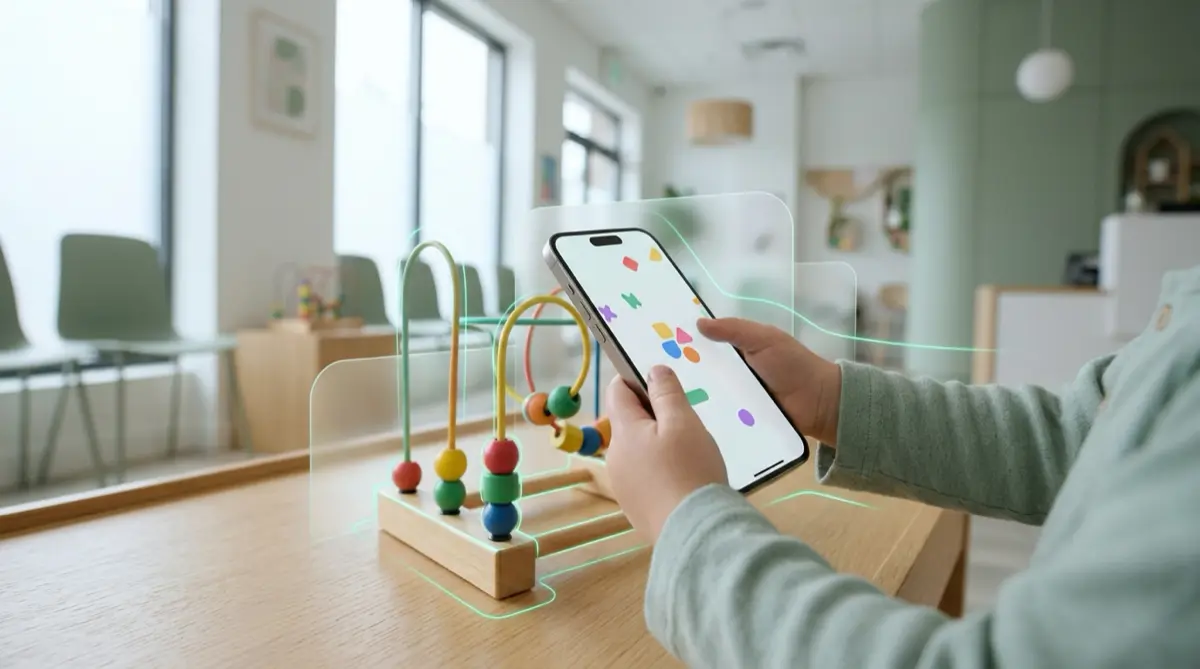
Children are quick and curious, and the Home Screen is one swipe away from any game. Use Apple’s Guided Access to keep the phone inside the game, and keep anything private in Vaultmira, which opens only with a drawing. A child who taps the app sees a draw screen, and a random shape opens an empty vault.
Practical answer
What to do now
Turn on Guided Access (Settings → Accessibility → Guided Access) and start it inside the game before you hand the phone over.
What not to rely on
Telling a young child “only the game” rarely works. Swipes, notifications and banners can lead them anywhere.
What Vaultmira protects
Photos, videos and documents in a vault are sealed with AES-256-GCM and only open with your drawing, never with Face ID or the passcode your child may have watched you type.
What Vaultmira does not solve
It cannot stop a child from messaging, buying or deleting apps. Guided Access and Apple’s parental controls are the right tools for that.
What to remove after import
After adding photos, tap Remove from Photos and empty Recently Deleted, so the gallery your child can reach no longer holds them.
When to ask a professional
If your child saw something upsetting, a calm talk usually helps most. Your pediatrician or school counselor can suggest how to approach it.
The problem
Little fingers learn the iPhone fast. A child who knows how to swipe up can leave a game and open Photos, Messages or the camera in seconds. Older children may even know your passcode from watching you type it.
Photos is the most common place they end up, because it is full of pictures of them. Right next to those may be a scan of your ID, a photo of a medical bill, a screenshot of a work chat or a picture meant only for your partner.
The consequences
Sometimes the result is just a confused question. Sometimes a photo gets deleted, edited or sent to a family group chat. A child can also see something they are not ready for, which is hard to undo.
There is also the quieter risk: an old picture of a document gets shared with someone it should never reach, simply because it was in the camera roll.
How Vaultmira helps
Vaultmira keeps the private part of your phone behind a drawing on a 5×5 dot grid. Children who tap the app see only that grid. Whatever they draw, they land in an empty vault with no error message, and your own vaults stay sealed and untouched.
The app locks itself as soon as you leave it, and screenshots of it come out black, so a quick “look what I found” screenshot shows nothing. If you would rather your child not notice the app at all, Vaultmira Pro lets you switch to a disguise icon like Calculator or Compass.
If a child deletes the app, vaults with Encrypted iCloud Backup on are not lost: reinstall Vaultmira and draw your shape while online, and the vault comes back from your own iCloud.
Setup checklist
- Set up Guided Access in Settings → Accessibility → Guided Access, and set a passcode for ending it.
- Start Guided Access inside the game each time you hand the phone over.
- Move private photos and scans into Vaultmira, then tap Remove from Photos and empty Recently Deleted.
- Turn off Show my drawing as I draw in Vaultmira’s App Settings if your child likes to watch over your shoulder.
- Leave Encrypted iCloud Backup on, so an accidental app deletion is not a disaster.
- If your child has their own device, set up Apple’s parental controls there.
Questions this page answers
If you searched for any of these, this page is for you.
| Intent | Question |
|---|---|
| Primary | kid plays games on my iPhone how to hide photos |
| Protect | lock iPhone to one app for child |
| Protect | stop child going into Photos app |
| Check | can my child open my hidden album |
What this is based on
This page combines how Vaultmira works (checked against the app itself) with the public sources below.
- Apple Support: Use Guided Access on iPhone or iPadRestrict iPhone to one app while a child uses it
- Apple Support: Set up parental controls for your childScreen Time and restrictions for a child’s own device
- Apple Support: Delete photos on your iPhone or iPadDeleted photos wait 30 days in Recently Deleted
Frequently asked questions
Can my child open Vaultmira if they know my passcode?
No. Vaultmira does not use the iPhone passcode or Face ID. Only your drawing or your backup phrase opens your vault.
What if my child draws a random shape?
They see an empty vault, with no error. Your own vaults are not opened, changed or shown.
Does Guided Access work with any game?
Guided Access works with apps in general. You start it inside the app you want, and the phone stays there until you end the session.
Protect the files that carry context
Start with the files that would hurt most in the wrong hands. Draw a shape, move them in, and they are sealed on your iPhone.
Download Vaultmira Free