
Everyday boundaries
When a Friend Starts Scrolling Through Your Photos
It starts with “wait, show me that one again” and ends with your friend three months deep in your camera roll. Most friends mean no harm. The trick is making sure there is nothing private to stumble on.
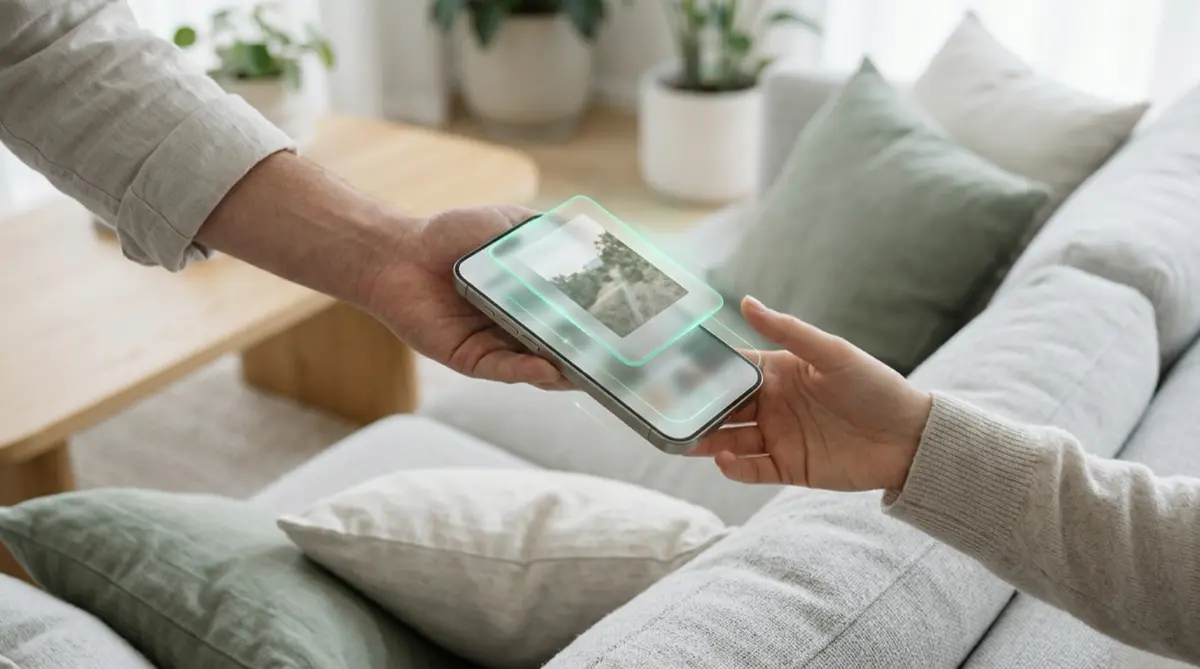
The Photos app shows everything in one long scroll, and iOS also groups pictures into Memories, featured photos and collections such as receipts and identity documents. The simplest fix is to keep private photos out of Photos altogether: move them into Vaultmira, remove the originals, and only your drawing brings them back.
Practical answer
What to do now
Move the few photos that would embarrass or worry you into Vaultmira. Leave the everyday ones in Photos, where they belong.
What not to rely on
Hiding a photo keeps it out of the main library, but the Hidden album sits under Utilities and opens with the passcode. Friends who know your passcode can still find it.
What Vaultmira protects
Files in a vault are sealed on your phone with AES-256-GCM and never appear in Photos, Memories or the Photos widget.
What Vaultmira does not solve
It cannot stop someone from reading your messages or opening other apps while they hold your phone. It only guards what you put inside.
What to remove after import
Use Remove from Photos, then empty Recently Deleted. If you use iCloud Photos, Apple deletes the photo on your other devices too.
When to ask a professional
If a photo of you is shared without your permission, see StopNCII.org (adults) or Take It Down (photos taken when you were under 18).
The problem
Phones get passed around: at dinner, on the sofa, in a group chat moment where someone wants to see “that photo from Saturday.” Once a friend is in Photos, nothing stops them from scrolling up and down.
iOS also does a lot of organizing for you. Apple’s Utilities collection can group pictures by what is in them, like identity documents, receipts and handwriting. Memories and featured photos may bring up an old picture on their own. That is helpful when you are alone, and less so when someone else is holding the phone.
The consequences
Usually the cost is a moment of embarrassment: a dating screenshot, a medical photo, a picture of your passport. Sometimes it is more. A private photo seen once can be described, and a photo of a document can be read.
The bigger risk is a friend sending themselves a photo they find funny. Once it leaves your phone, you cannot pull it back.
How Vaultmira helps
Vaultmira gives private photos their own home outside the Photos app. You open it by drawing a shape on a dot grid. Without that drawing, the files are just scrambled data.
If a friend opens Vaultmira, they see a draw screen. A random shape opens an empty vault, with no error and no hint that anything else exists. Screenshots of the app come out black, and the app locks the moment you switch away.
When you do want to show something, open it and use Show one photo: swiping is switched off and Done locks the vault. And if you want the app to look like something ordinary on your Home Screen, Vaultmira Pro offers disguise icons such as Calculator or Weather.
Setup checklist
- Scroll your library once and note what you would not want a friend to see. Check the Utilities collection too.
- Add those photos to Vaultmira, then tap Remove from Photos and empty Recently Deleted.
- Take new private photos with Vaultmira’s camera, so they never reach your gallery.
- In Photos settings, consider turning off Show Featured Content so Memories and featured photos stop surfacing old pictures.
- Use Show one photo when you hand over the phone to share a single picture.
- Write down your backup phrase so you never lose access to the vault.
Questions this page answers
If you searched for any of these, this page is for you.
| Intent | Question |
|---|---|
| Primary | friend scrolling through my photos |
| Protect | how to stop friends seeing my camera roll |
| Check | can people see hidden photos on my iPhone |
| Protect | keep private photos out of iPhone Memories |
What this is based on
This page combines how Vaultmira works (checked against the app itself) with the public sources below.
- Apple Support: Find receipts, QR codes and more in PhotosPhotos groups receipts, IDs and documents automatically
- Apple Support: Hide people, memories, and holidays in PhotosTurn off featured photos and Memories
- Apple Support: Delete photos on your iPhone or iPadDeleted photos stay in Recently Deleted for 30 days
Frequently asked questions
Will private photos show up in Memories if they are in Vaultmira?
No. Files in Vaultmira are sealed inside the app and are not part of your Photos library, so Memories, featured photos and the Photos widget cannot see them.
Do I have to delete the originals?
It is up to you, but a copy left in Photos can still be found. Vaultmira offers Remove from Photos right after you add pictures. Then empty Recently Deleted.
What if my friend opens Vaultmira?
They see the draw screen. Without your drawing, a shape just opens an empty vault, and the app shows no list of the vaults you have.
Protect the files that carry context
Start with the files that would hurt most in the wrong hands. Draw a shape, move them in, and they are sealed on your iPhone.
Download Vaultmira Free