
Everyday boundaries
Your Date Scrolled Too Far in Your Camera Roll
“Want to see my dog?” is a lovely thing to say on a date. Then they take your phone and swipe left. And left again. Past the dog, past the screenshots, past things you were not ready to explain.
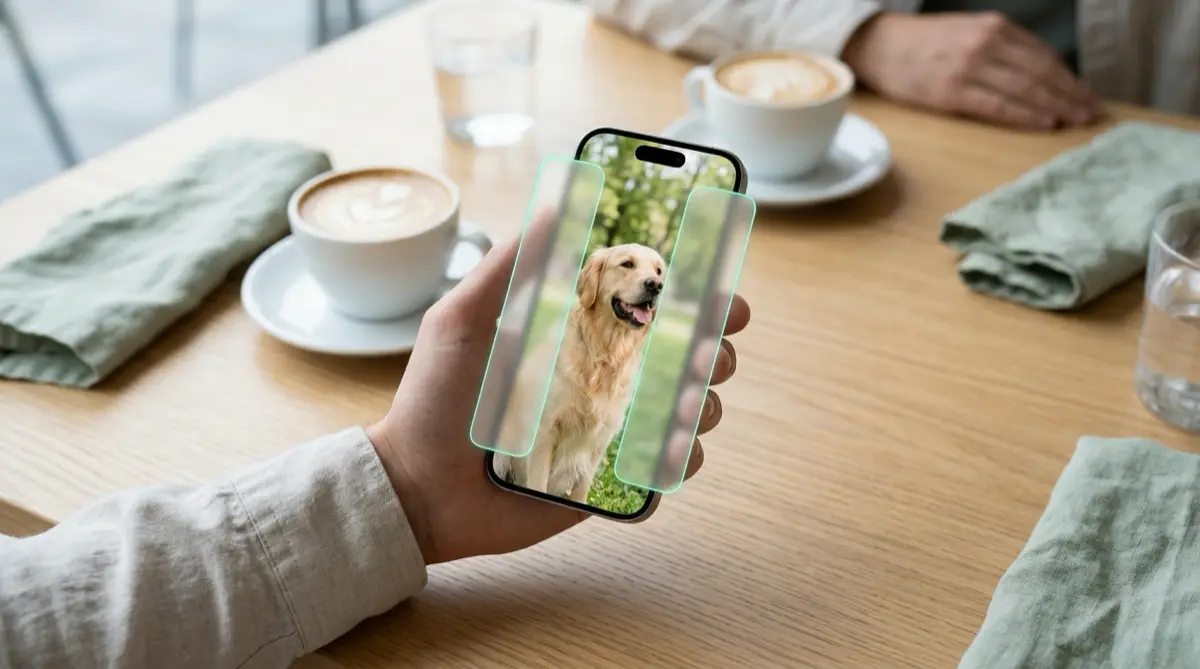
In Photos, one swipe moves to the next picture, and handing over your phone hands over the whole library. To show a single photo, use something that stops the swipe, such as Guided Access, or Vaultmira’s free Show one photo. To stop worrying about it altogether, keep your most private photos in a vault outside the camera roll.
Practical answer
What to do now
Laugh it off if you can, take the phone back, and later move the photos you would rather not explain out of your camera roll.
What not to rely on
Holding the phone tight or saying “just this one” does not stop a curious thumb. The Hidden album helps, but it opens with your passcode, Face ID or Touch ID.
What Vaultmira protects
Photos in a vault are sealed and outside Photos. Show one photo turns off swiping and hides the buttons, and tapping Done locks the vault.
What Vaultmira does not solve
It cannot stop someone noticing the app, and it does not change your Photos app. Anything still in the camera roll can still be scrolled to.
What to remove after import
After moving photos into a vault, tap Remove from Photos and empty Recently Deleted, so they are not one swipe away any more.
When to ask a professional
If a date grabs your phone, refuses to give it back or pressures you to unlock things, that is a red flag. Trust your instincts and leave if you feel unsafe.
The problem
The camera roll is one long timeline. Your dog sits next to a screenshot of a group chat, a selfie you took for someone else, a photo of a rash for the doctor and a picture of your bank card. When you open one photo and pass the phone across the table, every one of those is a swipe away.
Apple does offer Guided Access, an accessibility feature that locks the iPhone to a single app and can switch off touch in parts of the screen. It works, but it has to be set up in Settings first, which is not very date-friendly mid-conversation, and it still shows the Photos app, just with limits.
The consequences
Usually it is just awkward. Sometimes it is more: a photo that outs you, reveals a health problem, or belongs to someone else who trusted you with it. And a date who keeps swiping after you said “just the dog” has told you something useful about them.
You should not have to curate your whole life around being shown a dog photo. A simple habit fixes most of it: keep private photos somewhere a swipe cannot reach.
How Vaultmira helps
Vaultmira’s free Show one photo is built for exactly this moment. Open a picture from your vault, choose Show one photo, and swiping is turned off and the buttons disappear. When they hand the phone back, tapping Done locks the vault again.
For the photos you never want to show, a vault is the better home. You draw a shape on a 5×5 dot grid to open it, and that drawing makes the key that seals everything inside with AES-256-GCM. The vault never opens with Face ID or the iPhone passcode, and it locks as soon as you leave the app.
You can keep an everyday vault of pets, food and travel for showing people, and a separate vault for things that are yours alone. Each drawing opens its own vault, and the app shows no list or count.
Setup checklist
- Go through your camera roll and pick out photos you would not want a new person to see.
- Move them into a Vaultmira vault, leave Remove from Photos on, and empty Recently Deleted.
- Make an everyday vault with photos you are happy to show, such as pets, trips and food.
- When showing a picture, open it in the vault and use Show one photo.
- If you prefer Apple’s tools, set up Guided Access in Settings → Accessibility ahead of time.
- Turn off Show my drawing as I draw in Vaultmira’s App Settings so nobody learns your shape across the table.
Questions this page answers
If you searched for any of these, this page is for you.
| Intent | Question |
|---|---|
| Primary | how to show someone one photo without them scrolling |
| Protect | stop people swiping through my photos iPhone |
| Check | is it rude to scroll through someone's photos |
| Fix | lock iPhone to one photo |
| Protect | hide photos before a date |
What this is based on
This page combines how Vaultmira works (checked against the app itself) with the public sources below.
- Apple Support: Use Guided Access on iPhone or iPadLocks the iPhone to one app with limits
- Apple Support: Hide photos with the Hidden albumHidden album opens with Face ID or passcode
- Apple Support: Delete photos on your iPhone or iPadDeleted photos wait 30 days in Recently Deleted
Frequently asked questions
Can I stop someone swiping in the Photos app?
Not directly. Apple’s Guided Access can lock the iPhone to one app and limit touch areas, but it needs setting up first. Vaultmira’s Show one photo turns swiping off with one tap.
Is Show one photo a paid feature?
No. Show one photo is free. Swiping is off, there are no buttons, and tapping Done locks the vault.
What if my date asks why I have a vault app?
Lots of people keep IDs, receipts and documents in one. If you want, open an everyday vault with pets and travel photos. See when a friend starts scrolling for more ideas.
Protect the files that carry context
Start with the files that would hurt most in the wrong hands. Draw a shape, move them in, and they are sealed on your iPhone.
Download Vaultmira Free