
Everyday boundaries
Your private photos showed up on the car’s CarPlay screen
A car screen is big, bright and in front of everyone in the car. If a photo you meant to keep to yourself appeared there with a passenger beside you, here is why it happened and how to make sure it does not happen again.
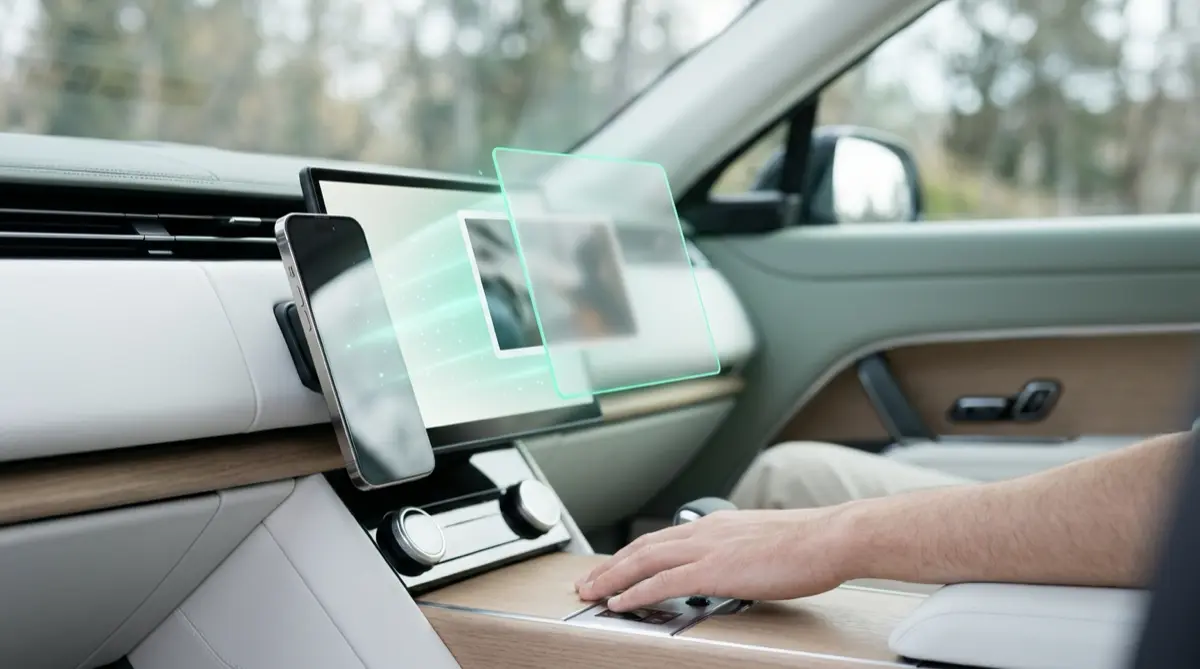
CarPlay can show widgets on the car’s screen, and a Photos widget shows pictures from your iPhone’s photo library. Remove that widget or change what it shows in your iPhone’s CarPlay settings, while you are not driving. Photos kept in a Vaultmira vault are not in your photo library, so CarPlay and its widgets cannot show them.
Practical answer
What to do now
When you are parked, open Settings on your iPhone, find CarPlay, tap your car, then Widgets. Remove the Photos widget or change it so it no longer shows pictures you did not pick.
What not to rely on
Do not rely on the car to keep things private. Anyone in the car can see the screen, and some cars remember paired phones. Featured photos are chosen automatically and can include pictures you would never choose.
What Vaultmira protects
Vault files are sealed inside the app, outside your photo library. CarPlay, its Photos widget, Memories and featured photos cannot see them. Vaultmira has no CarPlay app, no widget and no notifications.
What Vaultmira does not solve
It does not change your CarPlay settings, and it cannot undo what a passenger already saw. Photos still in your library can be shown until you change those settings.
What to remove after import
Once private photos are in a vault, let Vaultmira remove them from Photos, then empty Recently Deleted in the Photos app so the originals are really gone.
When to ask a professional
Rarely. If you share a car with a company, a rental firm or someone you do not trust, ask how paired phones and their data are handled, and remove your phone from the car when you return it.
The problem
Recent versions of iOS added widgets to CarPlay. Apple’s guide explains that you add, rearrange and remove them from the CarPlay settings on your iPhone, and that features like Smart Rotate and Widget Suggestions can change which widget is shown during the day. One of the widgets people add is Photos, which turns the car screen into a small rotating photo frame.
Like the Photos widget on your Home Screen, it draws from your photo library, and depending on how it is set up it can show featured photos that iOS picks for you, the same kind of automatic choice that feeds Memories. So a picture you would never choose can still come up, on a screen that everyone in the car can see.
The consequences
The people most likely to see your car screen are the people closest to you: family, kids in the back seat, a colleague you are giving a lift, a date. A surprise photo can mean an awkward moment, or questions you did not want to answer that day.
There is also a safety side. Scrambling to cover or change the screen while driving is distracting. Apple’s guide says to change these settings when you are not driving, and that is good advice.
How Vaultmira helps
Fixing the widget is the first step. The longer-term answer is to keep private pictures somewhere that no part of iOS can feature, rotate or suggest, now or after the next update.
Vaultmira keeps photos and videos inside the app, each vault sealed with a key made from the shape you draw. They are not in your photo library, so they never appear in CarPlay, in the Photos widget, in Memories or on your Lock Screen. Vaultmira itself has no CarPlay app, no widget and sends no notifications, so it has nothing of its own to show on a car screen.
New private photos can go straight into a vault with the in-app secure camera, which never saves to Photos. And with Vaultmira Pro, disguise icons can make the app look like a calculator, notes or weather app on your Home Screen.
Setup checklist
- Wait until you are parked. Do not change settings while driving.
- On your iPhone, open Settings, find CarPlay, tap your car, then tap Widgets.
- Remove the Photos widget, or change what it shows, and check whether Widget Suggestions or Smart Rotate are on.
- In the Photos app, consider turning off Show Featured Content, which stops featured photos and memories from being generated.
- Move private photos into a Vaultmira vault and let the app remove them from Photos.
- Empty Recently Deleted in Photos so the originals are gone.
- If you return a rental or company car, remove your phone from the car’s list of paired devices.
Questions this page answers
If you searched for any of these, this page is for you.
| Intent | Question |
|---|---|
| Fix | how to remove photos widget from CarPlay |
| Understand | why are my photos showing on CarPlay |
| Fix | stop CarPlay showing random photos |
| Protect | hide private photos from car screen |
What this is based on
This page combines how Vaultmira works (checked against the app itself) with the public sources below.
- Apple: Customize widgets in CarPlayAdd, rearrange or remove CarPlay widgets from iPhone Settings
- Apple: Hide people, memories, and holidays in Photos on iPhoneTurn off featured photos and memories
- Apple: Hide photos with the Hidden albumHidden photos stay out of the Library and widgets
Frequently asked questions
Can I pick exactly which photos CarPlay shows?
Options depend on your iOS version and your car. Check the Photos widget in Settings under CarPlay, your car, then Widgets. If you are unsure, the simplest choice is to remove the Photos widget, or keep private pictures out of your library entirely.
Will Vaultmira show up on my car’s screen?
No. Vaultmira has no CarPlay app and no widget, and it sends no notifications. Files in a vault are not in your photo library, so CarPlay cannot show them.
Is hiding a photo in Photos enough?
Apple says hidden photos do not appear in your Library, other albums or the Photos widget, so it is a good quick fix. They are still part of your photo library. A vault keeps them sealed inside an app that only your drawing opens.
Protect the files that carry context
Start with the files that would hurt most in the wrong hands. Draw a shape, move them in, and they are sealed on your iPhone.
Download Vaultmira Free