
Everyday boundaries
Keeping Intimate Photos Private on Your iPhone
Private photos between adults who trust each other are nobody else’s business. The hard part is that the iPhone is built to show, sort and share photos, not to keep them quiet.
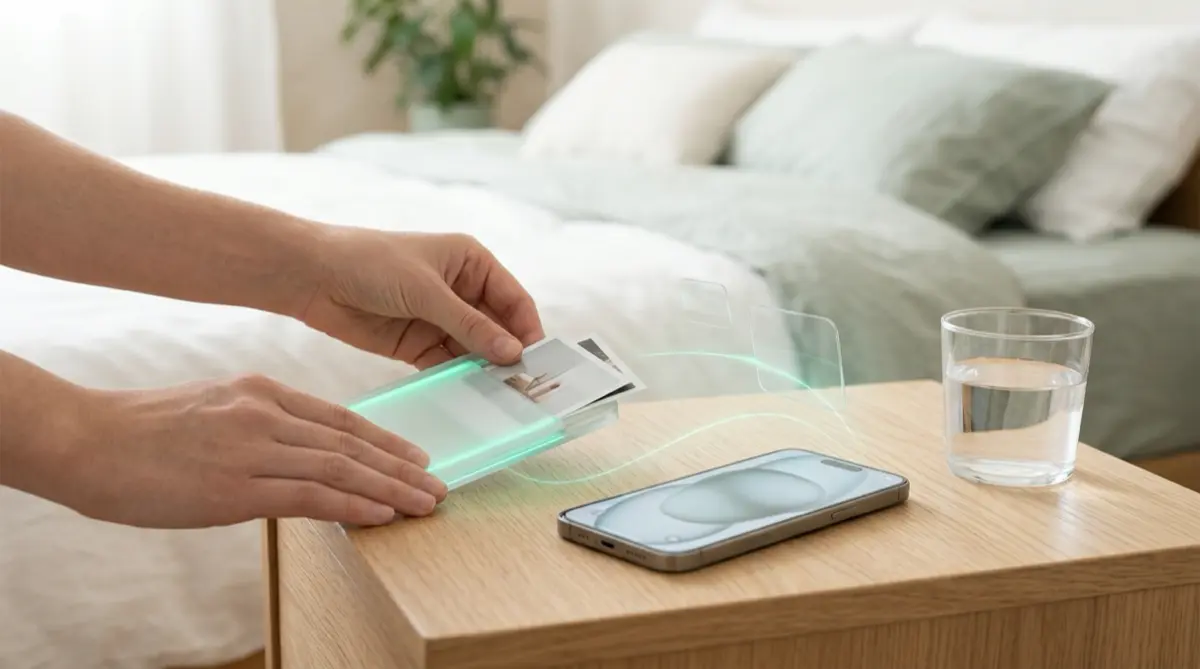
Photos taken with the Camera app land in your library, can appear in Memories and featured photos, and may be added to an iCloud Shared Photo Library if sharing from Camera is on. To keep intimate photos private, take them with Vaultmira’s own camera, which never saves to Photos, or move existing ones into a vault and remove the originals.
Practical answer
What to do now
Move intimate photos into Vaultmira, remove the originals from Photos, and take new ones with Vaultmira’s camera so they never touch your gallery.
What not to rely on
The Hidden album opens with your passcode, and a photo sent in a chat app lives on in the other person’s phone, backups and notifications.
What Vaultmira protects
Each file is sealed with AES-256-GCM before it is saved. Screenshots and screen recordings of the app come out black.
What Vaultmira does not solve
Nothing can control a photo once someone else has it outside the app. Another camera pointed at a screen can still capture it.
What to remove after import
Tap Remove from Photos, then empty Recently Deleted. Check your iCloud Shared Photo Library and any shared albums too.
When to ask a professional
If a photo was shared without consent, adults can use StopNCII.org; photos taken under 18 can be reported with NCMEC’s Take It Down. Talk to the police or a lawyer about your options.
The problem
The iPhone Camera app saves everything to your Photos library. From there, a picture can show up in a Memory set to music, on the Photos widget on your Home Screen, or in front of a friend who is scrolling for a holiday picture.
If you use iCloud Shared Photo Library, Apple’s settings can add photos from the Camera automatically when other participants are nearby or when you are at home. That is lovely for family pictures, and a real problem for anything intimate.
The consequences
An intimate photo seen by the wrong person can hurt a relationship, a job or a sense of safety. Worse, a photo that is copied or sent on is very hard to get back.
Sharing intimate images of someone without their consent is harmful and, in many places, against the law. If it happens to you, it is not your fault, and there are organizations that help get images taken down.
How Vaultmira helps
Vaultmira’s Secure Camera takes photos and videos straight into the open vault. They are never saved to the Photos gallery, so there is no copy in Recently Deleted, Memories or iCloud Photos. For photos you already have, add them from Photos and tap Remove from Photos when Vaultmira offers.
If you want to send a photo to your partner, Vaultmira Pro’s Secure Sharing sends a read-only copy of a folder or vault, opened with a one-time phrase. Saving copies out of the app is off unless you switch it on, you can set the share to end after a day, a week or a month, and you can stop it at any time. Your partner does not need Pro to open it.
Inside the app, screenshots and screen recordings come out black, on your phone and on theirs. That stops casual captures. It cannot stop a second phone held up to the screen, so share only with people you trust.
Setup checklist
- Check Photos for intimate pictures, including Recently Deleted, the Hidden album and any shared albums.
- Add them to a Vaultmira vault, tap Remove from Photos, then empty Recently Deleted.
- If you use iCloud Shared Photo Library, review its Sharing from Camera setting.
- From now on, use Vaultmira’s camera for private photos.
- If you share with a partner, use Secure Sharing with an end date and leave saving copies off.
- Write down your backup phrase so a forgotten drawing never locks you out.
Questions this page answers
If you searched for any of these, this page is for you.
| Intent | Question |
|---|---|
| Primary | where to keep intimate photos on iPhone |
| Protect | take private photos that don’t save to camera roll |
| Check | do hidden photos show in shared library |
| Help | my private photo was shared without consent |
| Protect | send private photo securely to partner |
What this is based on
This page combines how Vaultmira works (checked against the app itself) with the public sources below.
- Apple Support: How to use iCloud Shared Photo LibraryCamera can add photos to a Shared Library automatically
- StopNCII.orgHelps adults stop intimate images spreading online
- Take It Down (NCMEC)For images taken when you were under 18
Frequently asked questions
Do photos from Vaultmira’s camera go to my camera roll?
No. They are saved only in the vault you have open, sealed with AES-256-GCM. They never appear in Photos or iCloud Photos.
Can my partner screenshot a photo I share?
Screenshots and recordings inside Vaultmira come out black. Saving copies out of the app is off unless you allow it. Nothing can stop a second camera pointed at the screen.
What can I do if a private photo was posted without my consent?
Adults can use StopNCII.org; for images taken under 18, use Take It Down. You can also report to the platform and to the police.
Protect the files that carry context
Start with the files that would hurt most in the wrong hands. Draw a shape, move them in, and they are sealed on your iPhone.
Download Vaultmira Free