
Everyday boundaries
Receipts, Screenshots and Reference Photos Clogging Your Photos App
Parking spot. Wi-Fi password. Warranty card. Prescription. Passport page. A boarding pass from last year. The camera roll has become a filing cabinet, and not a private one.
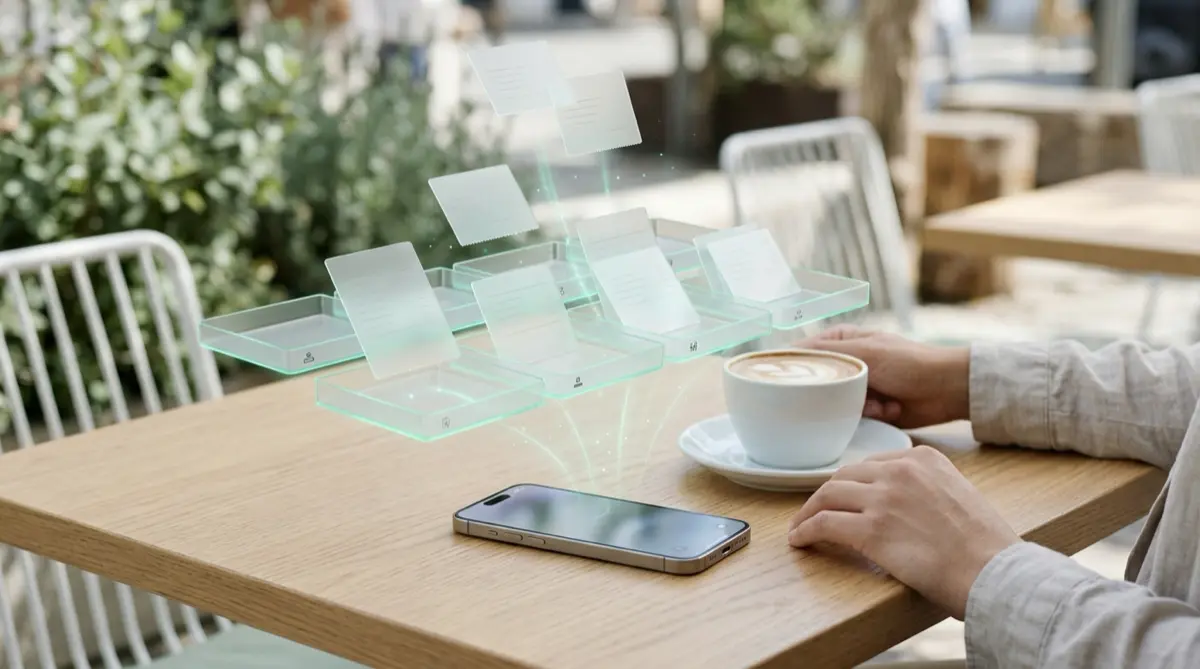
Photos now sorts pictures by what is in them, so receipts and identity documents are grouped together for anyone who opens your phone. Move the useful-but-private ones into Vaultmira: scan papers with the built-in scanner, file them in folders, search by name, and keep your Photos app for memories.
Practical answer
What to do now
Open Photos’ Utilities collections and look at what is grouped there. Move anything private into a Vaultmira vault, then delete the rest.
What not to rely on
Hiding a receipt does not file it, and the Hidden album opens with your passcode. Screenshots also stay in Recently Deleted for 30 days.
What Vaultmira protects
Scans, PDFs, notes and photos are sealed with AES-256-GCM, including their names and previews, and open only with your drawing.
What Vaultmira does not solve
It is not accounting software, and it does not read or total your receipts. Keep what tax or warranty rules require you to keep.
What to remove after import
Tap Remove from Photos after adding, then empty Recently Deleted. Delete paper copies only once you are sure you no longer need the originals.
When to ask a professional
Ask a tax professional how long to keep records and whether digital copies are enough for your situation.
The problem
Taking a photo is the fastest way to remember anything. Over the years, that means hundreds of receipts, screenshots, ID photos and notes-to-self mixed in with family pictures.
Apple’s Photos app helps by sorting pictures into collections such as receipts, identity documents and handwriting. That makes your own life easier, and it also means anyone scrolling your phone can find your passport page or a bank letter in a couple of taps.
The consequences
Your memories get buried. Searching for a birthday photo means scrolling past dozens of parking tickets.
More importantly, private documents become easy to find, screenshot or share. A clear photo of an ID or a bank statement is exactly what a scammer would like to see. And when you finally need that warranty card, it is lost among thousands of other pictures.
How Vaultmira helps
Vaultmira has a built-in Scan an ID or paper option, which uses the iPhone document scanner and saves the scan straight into your vault. You can also add PDFs and other files from the Files app, or write a note for things like account numbers or Wi-Fi codes.
Inside a vault, make folders such as “Receipts 2026”, “Car” or “Passports”, rename files, sort by newest or by name, and search by name. A filter shows IDs and scans on their own. On the free plan, scans, documents and notes do not count toward the 100 photos and 10 videos each vault holds.
Everything is sealed with AES-256-GCM before it is saved, and Encrypted iCloud Backup keeps a sealed copy in your own iCloud, so a new phone does not mean a lost warranty.
Setup checklist
- Look through Photos’ Utilities collections, such as receipts and identity documents.
- Make a vault for paperwork, with folders by year or by topic.
- Add the ones worth keeping, tap Remove from Photos, then empty Recently Deleted.
- Delete screenshots you no longer need at all.
- Use Scan an ID or paper for new receipts and documents.
- Keep an eye on what you must keep for taxes or warranties, and for how long.
Questions this page answers
If you searched for any of these, this page is for you.
| Intent | Question |
|---|---|
| Primary | too many screenshots and receipts in iPhone photos |
| Organize | where to store receipts on iPhone |
| Protect | hide passport photo on iPhone |
| Organize | scan documents into a private folder iPhone |
What this is based on
This page combines how Vaultmira works (checked against the app itself) with the public sources below.
- Apple Support: Find receipts, QR codes and more in PhotosPhotos groups receipts and identity documents
- Apple Support: Delete photos on your iPhone or iPadDeleted screenshots stay 30 days before removal
- IRS: How long should I keep records?How long tax records generally need keeping
Frequently asked questions
Do scans count toward the free plan limit?
No. The free plan counts photos and videos (100 and 10 per vault). Scans, PDFs and notes are not counted.
Can I search my receipts by name?
Yes, by the file names you give them. Vaultmira does not read the text inside images.
Is a photo of a receipt enough for taxes?
It depends on your situation. The IRS explains how long to keep records; ask a tax professional whether digital copies are enough for you.
Protect the files that carry context
Start with the files that would hurt most in the wrong hands. Draw a shape, move them in, and they are sealed on your iPhone.
Download Vaultmira Free