
Everyday boundaries
Keeping Private Files Private on a Shared Family iPad
The family iPad is for homework, cartoons and recipes. It is also where your photos quietly show up if the iPad uses your Apple Account.
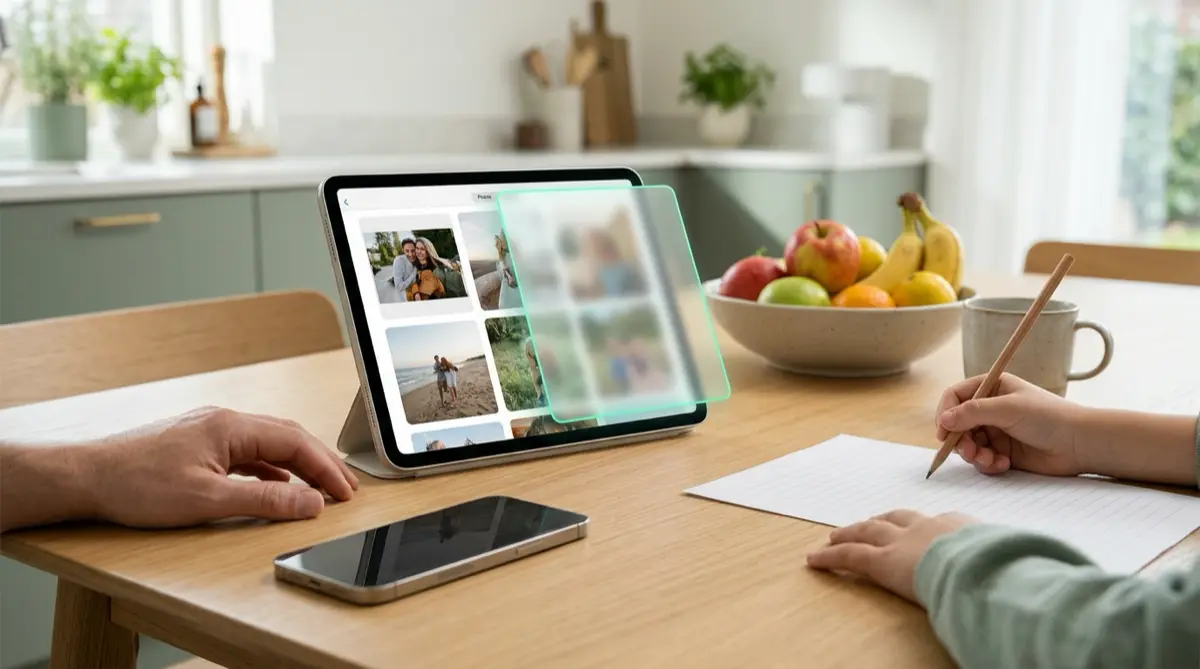
Home iPads do not have separate user profiles, so everyone who uses the iPad sees the same Photos library. Apple’s multi-user Shared iPad is for schools and businesses. To keep a few files private, put them in Vaultmira on the iPad, where each vault opens only with its own drawing.
Practical answer
What to do now
Check whose Apple Account the iPad uses and whether iCloud Photos is on. If it is your account, your iPhone photos may already be on the iPad.
What not to rely on
Separate albums are not separate users. On a home iPad, anyone who can open it can browse every album, and the Hidden album opens with the iPad’s passcode.
What Vaultmira protects
Files inside a vault are sealed with AES-256-GCM. A child or relative who opens the app sees a draw screen, and a random drawing opens an empty vault.
What Vaultmira does not solve
It does not give the iPad separate user profiles, and it cannot hide email, messages or browsing in other apps on a shared device.
What to remove after import
Remove the originals from Photos and empty Recently Deleted. With iCloud Photos, a deletion on one device removes the photo on the others too.
When to ask a professional
If the iPad is managed by a school or employer, ask their IT team what they can see before you store anything personal on it.
The problem
On a family iPad, everyone shares one home screen, one Photos app and usually one Apple Account. Apple does offer a version of iPad with several user sign-ins, but its Shared iPad feature is meant for organizations that manage their devices.
If the family iPad is signed in to your Apple Account with iCloud Photos on, the pictures you take on your iPhone can appear there too. That includes screenshots, scans and photos you never meant for the kids’ tablet.
The consequences
Children browse Photos to find their own pictures and stumble on yours. Relatives borrow the iPad for a video call and spot a featured photo in the Photos widget. A teenager finds a document scan and asks questions you were not ready for.
It is rarely anyone’s fault. A shared device simply shares everything, unless you give some things their own lock.
How Vaultmira helps
Vaultmira runs on iPad as well as iPhone. You can make a vault on the iPad with your own drawing, and anyone else in the family can make theirs with a different one. Nothing in the app lists or counts the vaults, so nobody sees whose vaults exist.
If you also use Vaultmira on your iPhone, Vaultmira Pro’s Open on iPad too lets the same drawing open the same vault on an iPad signed in to the same Apple Account. You choose: keep a sensitive vault on your iPhone only by switching its backup off, or let it follow you to the iPad.
The app locks itself the moment someone switches away, so leaving the iPad on the kitchen table does not leave your vault open. Encrypted backups go to the iCloud of the Apple Account the iPad uses. They are sealed before upload, but the owner of that account controls its storage, so prefer your own account.
Setup checklist
- Check which Apple Account the iPad uses and whether iCloud Photos brings your iPhone photos onto it.
- Install Vaultmira on the iPad and make a drawing nobody in the family has seen.
- Add private files, then Remove from Photos and empty Recently Deleted.
- Turn off Show my drawing as I draw so a child sitting beside you cannot learn your shape.
- Turn off Show Featured Content in Photos settings so old pictures stop popping up in Memories.
- Write down your backup phrase and keep it off the iPad.
Questions this page answers
If you searched for any of these, this page is for you.
| Intent | Question |
|---|---|
| Primary | private photos on shared family iPad |
| Check | can iPad have multiple users at home |
| Protect | hide photos on iPad from kids |
| Check | why are my iPhone photos on the family iPad |
What this is based on
This page combines how Vaultmira works (checked against the app itself) with the public sources below.
- Apple Platform Deployment: Shared iPad overviewMulti-user iPad is for managed school and business devices
- Apple Support: Delete photos on your iPhone or iPadiCloud Photos deletions apply to all your devices
- Apple Support: Hide people, memories, and holidays in PhotosStop featured photos and Memories surfacing pictures
Frequently asked questions
Can a home iPad have separate users?
Not in the way a computer can. Apple’s Shared iPad, which supports several sign-ins, is designed for schools and businesses that manage their devices.
Do I need Vaultmira Pro to use it on iPad?
Vaultmira runs on iPad. Opening the vaults from your iPhone on your iPad, with the same drawing, is part of Vaultmira Pro.
Can two family members use Vaultmira on the same iPad?
Yes. Each drawing opens its own vault, so each person can keep their own. Anyone who knows a drawing can open that vault, so keep yours to yourself.
Protect the files that carry context
Start with the files that would hurt most in the wrong hands. Draw a shape, move them in, and they are sealed on your iPhone.
Download Vaultmira Free