
Everyday boundaries
Someone Screenshotted Your Private Photo. What Can You Do?
You shared something with one person, and now you know or fear they kept a copy. That feeling is awful, and it is not your fault. There are real steps you can take, and people whose job is to help.
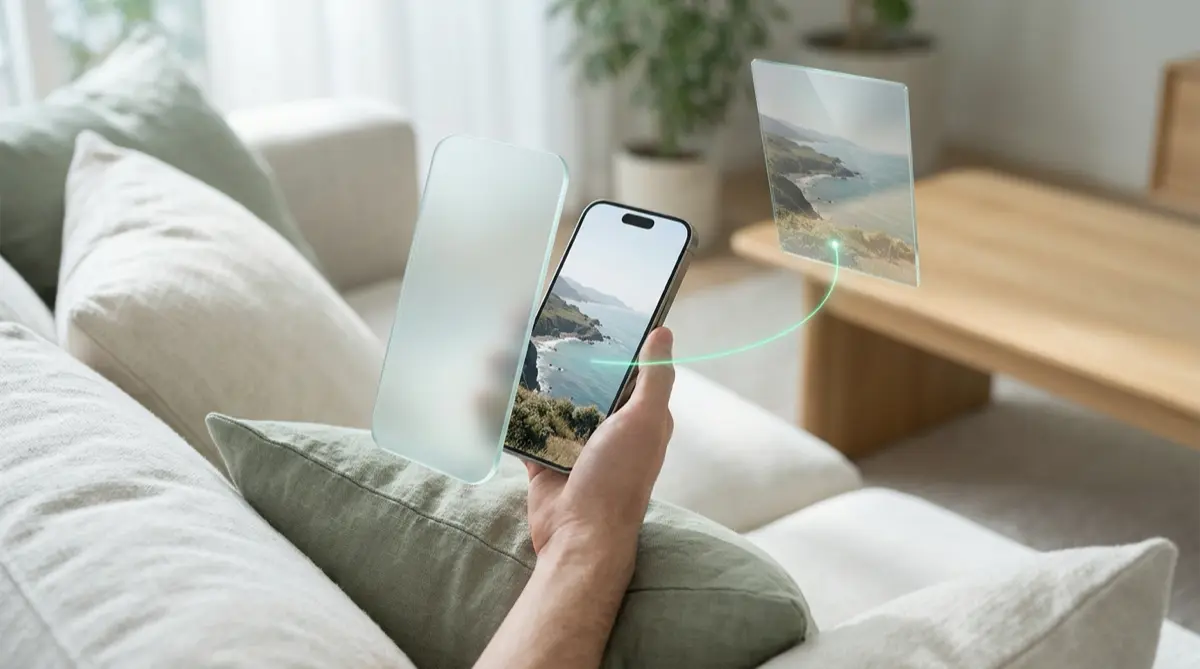
You cannot delete a screenshot from someone else’s phone, but you are not powerless. Keep a record of what happened, do not send more if you are being pressured, and use free tools that help stop intimate images being posted: StopNCII.org for adults and NCMEC’s Take It Down for images taken before you were 18.
Practical answer
What to do now
Breathe. Save the chat, the person’s username and any threats with dates. If the image was intimate, open a case with StopNCII.org (adults) or Take It Down (if you were under 18 in the image).
What not to rely on
Disappearing messages and view-once features help, but no app can stop someone photographing their screen with another device.
What Vaultmira protects
Evidence you save goes into a vault sealed with AES-256-GCM, out of your camera roll. For future sharing, Vaultmira shows shared items inside the app, where screenshots come out black.
What Vaultmira does not solve
It cannot pull back a copy someone already has, remove images from websites, or identify who shared them. Those need the platforms and the help services below.
What to remove after import
After moving evidence into a vault, tap Remove from Photos and empty Recently Deleted, so it is not sitting in your library.
When to ask a professional
Call the Cyber Civil Rights Initiative helpline (844-878-2274) for support. If you are being threatened or asked for money, report it to the police.
The problem
Trust gets broken in small ways and big ones. A friend screenshots a photo you sent as a joke. A date keeps a picture you meant for one moment. Someone you were close to saves images and later uses them against you. On most phones, taking a screenshot does not notify the sender; only some apps, such as Snapchat, show a screenshot icon.
Some tools try to block capture. WhatsApp’s view once media cannot be screenshotted, according to its help center. But Signal’s own help page makes the honest point that if a recipient really wants a record, they can photograph the screen with another camera. No setting can stop that.
The consequences
The worry is what happens next: whether the photo gets shown to others, posted, or used to pressure you. If it is an intimate image, sharing it without consent is abuse, and in many places a crime. The person who took and shares the copy is responsible, not you.
Shame keeps many people silent, which makes them easier to pressure. Talking to a trusted friend or a trained helpline is a strong move, not a weak one. Help services see these situations every day and will not judge you.
How Vaultmira helps
Vaultmira cannot undo a screenshot, and we will not pretend otherwise. Where it helps is in what you do next, and how you share from now on.
If you need to keep evidence (the chat, a profile, threats), import it into a vault. Everything inside is sealed on the phone with AES-256-GCM, using a key made from a shape you draw, and the vault never opens with Face ID or the passcode. Encrypted iCloud Backup keeps sealed copies in your own iCloud in case the phone is lost.
For sharing later, Secure Sharing (Pro to create, free to open) lets you share a vault or folder with a one-time phrase. The other person opens it inside Vaultmira, where screenshots and screen recordings come out black. Saving copies out of the app is off unless you allow it, you can set the share to expire, and you can stop it any time. To show a picture in person, Show one photo turns off swiping. Someone could still photograph the screen with another device, so share only what you are comfortable with.
Setup checklist
- Save evidence: the chat, the person’s profile or username, dates, and any threats.
- Do not send more images or money, even if they promise to delete what they have.
- If the image is intimate and you are 18 or over, create a case at StopNCII.org. If you were under 18 in it, use Take It Down.
- Report the account on the app or site where it happened.
- Move the evidence into a Vaultmira vault and remove it from Photos.
- Reach out to the Cyber Civil Rights Initiative helpline (844-878-2274) or someone you trust.
Questions this page answers
If you searched for any of these, this page is for you.
| Intent | Question |
|---|---|
| Primary | someone screenshotted my private photo what can I do |
| Help | how to stop someone posting my nudes |
| Check | does iPhone notify when someone screenshots |
| Protect | share photos so they can't be screenshotted |
| Help | ex threatening to share my photos |
What this is based on
This page combines how Vaultmira works (checked against the app itself) with the public sources below.
- StopNCII.orgFree hashing tool for adults; image stays on your device
- NCMEC Take It DownFor images taken when you were under 18
- Cyber Civil Rights Initiative crisis helplineSupport for image-based abuse: 844-878-2274
- Signal Support: Disappearing messagesNo app can stop a camera pointed at a screen
Frequently asked questions
Can I make someone delete a screenshot of my photo?
You cannot delete it from their phone. You can ask, report the account, and if the image is intimate, use StopNCII.org or Take It Down so partner platforms can detect and block it.
Does StopNCII need my photo?
No. StopNCII says it creates a digital fingerprint, called a hash, on your device and shares only that, not the image itself.
Can someone screenshot a photo I share with Vaultmira?
Screenshots and screen recordings of the Vaultmira app come out black, and saving copies is off unless you allow it. A second camera pointed at the screen can still capture it, so share only what you would be comfortable with.
Protect the files that carry context
Start with the files that would hurt most in the wrong hands. Draw a shape, move them in, and they are sealed on your iPhone.
Download Vaultmira Free