

Can Apple See Your Photos?
The honest answer is “it depends on one setting, and on where the photo is.” Here is what Apple itself says, in plain words, and how to make sure your most private pictures can only be opened by you.
“Can Apple see my photos?” sounds like a yes-or-no question. It isn’t, because your photos can be in three different places: only on your device, in iCloud under Apple’s default protection, or in iCloud under Advanced Data Protection. Each has a different answer.
This guide sticks to what Apple publishes in its own support pages and legal guidelines. We don’t guess about anyone’s servers. Where something depends on your settings, we say which setting and how to check it.
For photos only you can open: Vaultmira
Vaultmira seals each photo on your iPhone with AES-256-GCM, using keys made from a shape you draw. Its free encrypted backup sends only those sealed files to your own private iCloud, so neither Apple nor we can open them, whatever your iCloud setting. Get Vaultmira on the App Store.
How it looks in Vaultmira
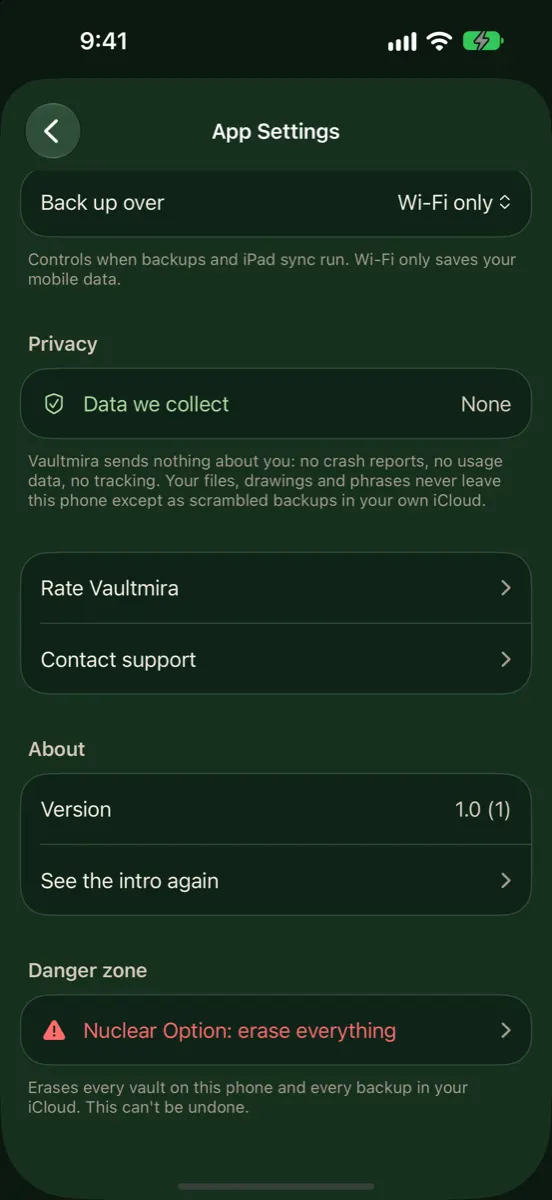
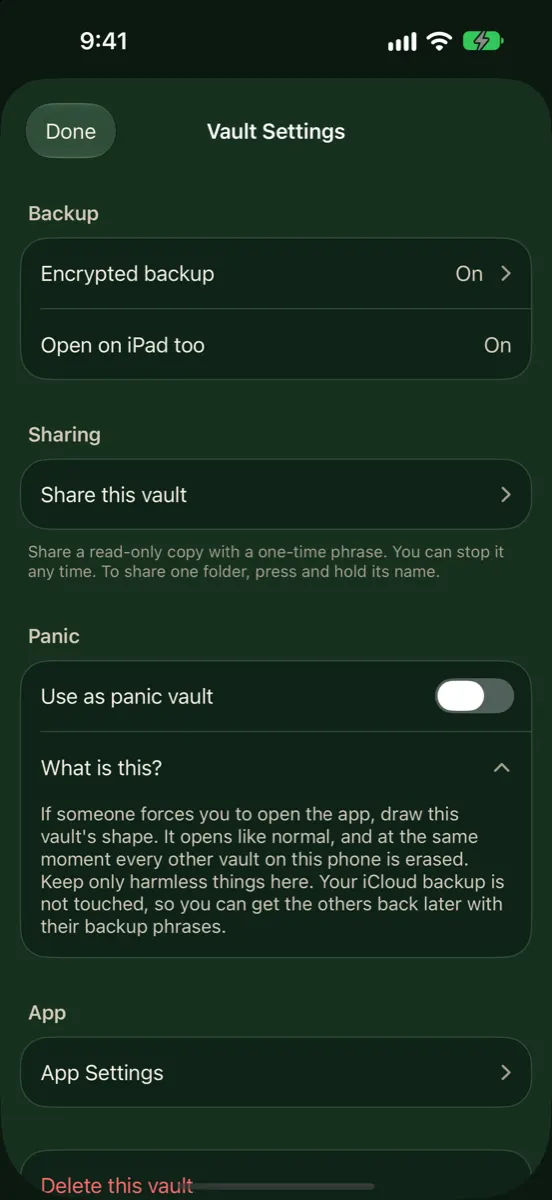
Photos That Stay on Your iPhone
If iCloud Photos is off and a photo is not in any backup, the picture itself stays on your device. Your iPhone’s storage is encrypted, and your passcode protects it. Apple’s Photos privacy page says Apple does not access your photos or videos and does not use them for research, and the Photos App Store listing says face recognition and scene and object detection are done on your device. Note that “on the device” also means “readable by anyone who can unlock the device,” including the Hidden album.
What about search features that use Apple’s servers?
Some features ask Apple’s servers a question without sending the photo. Apple’s example is Enhanced Visual Search, which helps you search for landmarks. Apple explains that your iPhone makes a small mathematical summary of the part of the photo that might show a landmark, encrypts it, and Apple’s servers match it without decrypting it, using a method called homomorphic encryption. Apple says this works without sending your photos to Apple. You can switch it off in Settings → Apps → Photos if you prefer.
Photos in iCloud: The Two Settings
Everything in iCloud is encrypted when it travels and when it is stored. What differs is who holds the key.
| Standard data protection | Advanced Data Protection | |
|---|---|---|
| Is it the default? | Yes | No, you turn it on |
| Who holds the Photos key | Apple, in its data centers | Only your trusted devices |
| Can Apple help you recover data | Yes | No; you need a Recovery Contact or Recovery Key |
| iCloud Backup | Keys held by Apple | End-to-end encrypted |
| Shared Albums and public links | Not end-to-end encrypted | Still not end-to-end encrypted |
Apple’s iCloud data security overview says a set of categories, such as Health data and passwords in iCloud Keychain, is always end-to-end encrypted. Photos is not in that always-protected set. It joins it only when you turn on Advanced Data Protection.
When Apple holds the key
Apple’s legal process guidelines for U.S. law enforcement say iCloud content, which can include stored photos and device backups, may be provided in response to a search warrant. The same document says that with Advanced Data Protection on, Apple cannot decrypt certain content, including Photos, iCloud Drive and Backup. That is the practical difference between the two settings.
Even with Advanced Data Protection, Apple says some information stays under standard protection, such as the dates items were changed and checksums of file and photo data used to save storage. It describes this as metadata, not the photos themselves.
Advanced Data Protection is not offered to new users in the United Kingdom, according to Apple. And it needs every person in a shared library to have it on for shared items to stay end-to-end encrypted.
How to Turn On Advanced Data Protection
- Update your iPhone and your other Apple devices; Apple requires supported software on every device signed in to your account.
- Set up a Recovery Contact or a Recovery Key. Apple can’t help you recover end-to-end encrypted data without one.
- Go to Settings → your name → iCloud, and turn on Advanced Data Protection. Follow the steps on screen.
It is a strong setting for everyone. Its one limit for private photos: it protects the cloud copy, not the phone in your hand. Someone who knows your passcode can still open Photos and the Hidden album.
Can Other Apps See Your Photos?
Apps can only reach your library if you allow them. When an app asks, iOS lets you give it full access, limited access to photos you choose, or none. The system photo picker lets an app receive just the pictures you pick. It’s worth looking at Settings → Privacy & Security → Photos now and then and trimming apps you no longer use.
Making a Photo Unreadable to Everyone but You
If a photo should be readable by you and nobody else, the most reliable approach is to encrypt it on your phone with a key that never leaves your hands in usable form. Then it doesn’t matter which iCloud setting is on, because iCloud only ever receives sealed data.
That is how Vaultmira works:
- Your drawing makes the key. A shape on a 5×5 dot grid is stretched into a key with PBKDF2-HMAC-SHA256 at 600,000 rounds. That key unlocks a random master key. See Drawing Encryption.
- Everything is sealed. Photos, videos, previews, the file list and folder names are encrypted with AES-256-GCM before they are saved.
- The backup carries only sealed files. Free, on by default, to your own private iCloud. Apple stores scrambled records under random names.
- No Vaultmira account or server. There is nothing for us to hand over, because we never have your files or keys. The app collects no analytics.
The trade-off is real: if you forget both your drawing and your backup phrase, nobody can open the vault. There is no reset email, because a reset for you would be a door for anyone.
A Five-Minute Privacy Check for Your Photos
- Check iCloud Photos. Settings → your name → iCloud → Photos shows whether your library syncs to iCloud.
- Decide on Advanced Data Protection. In Settings → your name → iCloud, see whether it is on. If you turn it on, set up a Recovery Contact or Recovery Key first.
- Review app access. Settings → Privacy & Security → Photos lists every app that can reach your library. Switch any you don’t recognise to limited access or none.
- Look at shared spaces. Photos in Shared Albums or a Shared Library are seen by others and, for Shared Albums, are not end-to-end encrypted.
- Move the most private photos. Put them in an encrypted vault, then remove the originals from Photos and empty Recently Deleted, where Apple keeps deleted items for 30 days.
For more on the Hidden album and iCloud, see Are hidden photos saved to iCloud? To learn what “end-to-end” really covers, read End-to-end encryption for photos.
None of these steps takes long, and together they answer the question for your own phone rather than in general.
Frequently Asked Questions
Does Apple look through my iCloud photos?
Apple’s Photos privacy page says Apple does not access your photos or videos and does not use them for research and development. What Apple also states is who holds the keys to iCloud Photos: Apple under standard data protection, only your devices under Advanced Data Protection. That is what matters for legal requests and account recovery.
Does hiding a photo stop Apple from seeing it?
No. The Hidden album only changes where the photo shows on your screen. It is stored and encrypted in iCloud exactly like the rest of your library.
If I turn on Advanced Data Protection, am I fully private?
Your Photos library in iCloud becomes end-to-end encrypted, which is a big step. It does not protect against someone who can unlock your phone, and some metadata stays under standard protection, according to Apple.
Can Apple see what’s in Vaultmira?
No. Vaultmira encrypts files on your iPhone before saving or backing them up. iCloud stores sealed data, and the keys come from your drawing or backup phrase, which are never uploaded in usable form.
Does Enhanced Visual Search upload my photos?
Apple says no: it sends an encrypted mathematical summary of part of a photo and matches it without decrypting it. You can turn it off in Settings → Apps → Photos.
Related reading:
- Do Hidden Photos Move to a New iPhone?
- AES-256 Encryption Explained Simply
- End-to-End Encryption for Photos
Keep it private, for real
Hidden is not the same as locked. Vaultmira seals your photos and files on your iPhone behind a shape only you know.
Download Vaultmira Free