
Documents, legal and medical records
Immigration, asylum and visa documents on your iPhone
Receipt notices, passport pages, a work permit, letters, photos that support your case: for many people these papers are the most important files they own. This page is about keeping copies safe and private. It is general information, not legal or immigration advice.
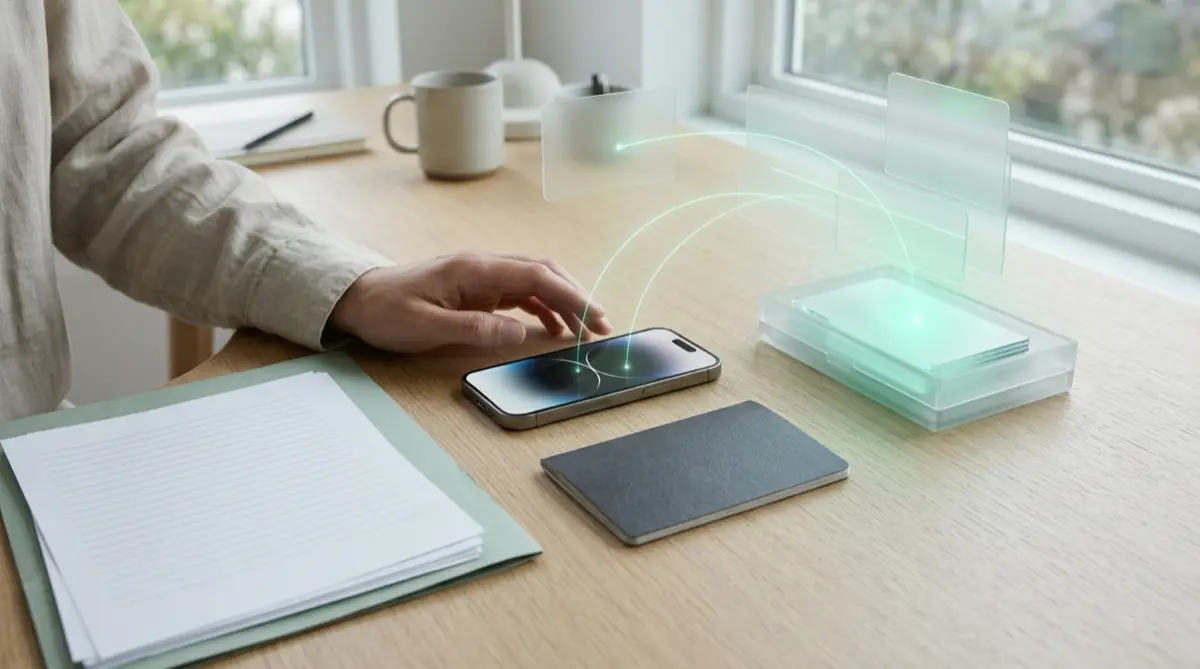
Keep the originals safe on paper and keep copies where only you can open them and where a lost phone does not mean losing them. A vault like Vaultmira can hold scans and photos sealed on your phone, with a sealed backup in your own iCloud. For anything about your case itself, talk to an immigration attorney or an accredited representative, never a “notario.”
Practical answer
What to do now
Gather copies of every form you filed and every notice you received, and keep a list of dates and receipt numbers. Make sure there is at least one copy that does not live only on your phone.
What not to rely on
Do not rely on a phone as your only copy, or on screenshots in your camera roll that anyone scrolling your phone can see. Do not trust anyone who asks you to pay fees by phone or email.
What Vaultmira protects
Scans and photos sealed with a key from your drawing, out of Photos and out of reach of anyone who only knows your passcode. Encrypted iCloud Backup keeps sealed copies in your own iCloud.
What Vaultmira does not solve
It does not give legal advice or change your rights at a border or with officials. It is not a way to hide documents from a lawful inspection, and it is not a replacement for your paper originals.
What to remove after import
After scanning, remove passport and ID photos from your camera roll, empty Recently Deleted, and check chat apps where you may have sent pictures of documents to family or helpers.
When to ask a professional
For any question about your status, forms, deadlines or travel, ask an immigration attorney or a representative accredited by the Department of Justice. USCIS explains how to find legitimate help.
The problem
Immigration paperwork is long, slow and full of numbers you need again and again. Many people photograph every page with their phone, because it is the one thing always with them. Those photos end up in the camera roll next to holiday pictures, in iCloud Photos, in shared albums, and in chats with relatives or helpers.
That is a lot of copies of your passport, your A-number, your address and sometimes your history, spread across places you do not control. At the same time, if the phone is lost or broken, the only copy of a key notice may go with it.
The consequences
Pictures of identity papers are exactly what identity thieves and scammers look for. USCIS warns about scams that target immigrants, including people falsely claiming to be officials or offering paid help they are not allowed to give.
Losing a notice or the proof of what you filed can mean delays, stress, and time spent asking for replacements. A careful habit now saves a lot of worry later.
How Vaultmira helps
Vaultmira gives these files a home of their own. The built-in document scanner and secure camera work inside the app, so new scans and photos never go to the Photos gallery. You can also import existing pictures from Photos and PDFs from Files, then let the app remove the originals from Photos. Scans, documents and notes do not count toward the free plan’s photo and video limits.
Each vault is sealed with a key made from your drawing, separate from your phone passcode, and there is no account or email to sign up with. Encrypted iCloud Backup (free) uploads copies that are already sealed, so if your phone is lost you can draw the same shape on a new iPhone signed in to the same Apple Account and bring them back. Write your backup phrase down and keep it safe; we cannot recover a vault without it or your drawing.
If an attorney needs a copy, Secure Sharing (Pro to create, free to open) can share one folder with a one-time phrase and an expiry date. If you are travelling, please also read our page on phone checks at a border: a vault does not change what officers may ask, and honesty with officials matters.
Setup checklist
- Keep paper originals in one safe place at home, and know where they are.
- Scan each notice, form and passport page into a Vaultmira vault, one folder per topic.
- Add a note with receipt numbers, dates and the name of your attorney or representative.
- Remove document photos from your camera roll and empty Recently Deleted.
- Turn on Encrypted iCloud Backup and write your backup phrase on paper, stored away from the phone.
- Only get legal help from attorneys or accredited representatives; USCIS explains how to check.
- Never pay immigration fees to someone who calls or emails you; USCIS says it will not ask for that.
Questions this page answers
If you searched for any of these, this page is for you.
| Intent | Question |
|---|---|
| Protect | safe way to store immigration documents on phone |
| Act | should I keep copies of my USCIS forms |
| Understand | is it safe to keep passport photo on iPhone |
| Get help | how to find a real immigration lawyer not a notario |
| Protect | USCIS scam phone call fees |
What this is based on
This page combines how Vaultmira works (checked against the app itself) with the public sources below.
- USCIS: Find legal servicesWho can legally help with immigration, and notario warnings
- USCIS: Common scamsUSCIS will never ask for fees by phone or email
- USCIS: Five steps to file at the USCIS LockboxWhy copies of prior filings and notices matter
Frequently asked questions
Can Vaultmira help with my immigration case?
No. It only keeps your copies private and backed up. For your case, talk to an immigration attorney or a representative accredited by the Department of Justice. USCIS explains that notaries in the United States are not lawyers and cannot represent you.
Should I use a vault at a border or immigration interview?
A vault is for everyday privacy, not for hiding things from officials. If you are asked for documents or to unlock your phone, answer honestly, and ask for a lawyer if you are unsure. Never use the panic vault in front of officials.
Does Vaultmira need my name or an account?
No. There is no account, no email and no Vaultmira server for your files. Backups go to your own private iCloud, sealed before they leave your phone.
Protect the files that carry context
Start with the files that would hurt most in the wrong hands. Draw a shape, move them in, and they are sealed on your iPhone.
Download Vaultmira Free