
Everyday boundaries
Intimate Photos From a Past Relationship, on a Phone Your Partner Uses
Old photos have a way of turning up at the worst time: in a Memory, on a widget, or when your partner scrolls back to find a holiday picture. Deciding what to do with them is personal. Keeping them out of sight should not be hard.
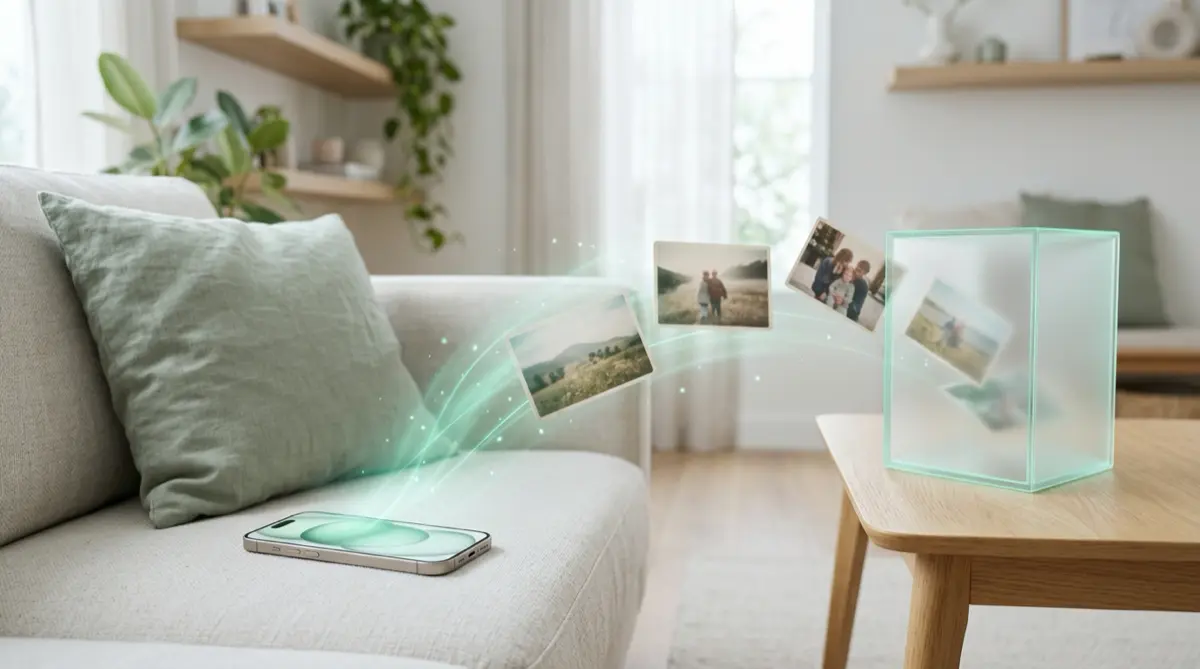
First decide whether to keep them at all; deleting is a fair choice, and so is keeping a few. If you keep them, take them out of Photos, where Memories, widgets and anyone with your passcode can reach them, and put them in a vault that opens with a secret only you know. Remember that photos of another person need their consent to share, now and later.
Practical answer
What to do now
Turn off or limit Memories and Featured Photos so the past does not pop up unannounced, then sort the photos into delete or keep.
What not to rely on
The Hidden album opens with Face ID, Touch ID or the passcode, and Recently Deleted keeps photos for 30 days. Neither is private from someone who knows your passcode.
What Vaultmira protects
Photos you move into a vault are sealed with AES-256-GCM and leave the Photos library, so they stop appearing in Memories, widgets and search. The vault opens only with your drawing.
What Vaultmira does not solve
It cannot erase copies your ex or anyone else holds, and it is not a substitute for an honest conversation if your partner asks.
What to remove after import
Tap Remove from Photos, confirm, then empty Recently Deleted. Check old message threads and cloud services where copies may also live.
When to ask a professional
If an ex is threatening to share images of you, keep the threats as evidence and contact the Cyber Civil Rights Initiative helpline (844-878-2274).
The problem
Many of us carry a phone that has seen several chapters of life. Somewhere in the camera roll there may be intimate photos from a past relationship that you have not quite decided about. Meanwhile, a new partner picks up your phone to look at last summer’s trip, or sees the Photos widget on your Home Screen.
Photos is designed to bring the past back to you. Memories and Featured Photos pick out people and moments on their own. Apple does let you feature a person less or never, and turn Memories off, but those settings decide what Photos suggests, not who can open the library. Anyone with your passcode can still scroll, search, open Recently Deleted and open the Hidden album.
The consequences
A surprise photo can hurt a current partner and lead to a hard conversation you would rather have had on purpose. It can also expose your ex, who trusted you with images of themselves. Keeping those photos private is about respecting them as much as protecting you.
There is no single right answer. Some people delete everything; some keep a few photos that matter to their own story. What matters is that the choice is yours, and that whatever you keep is not one swipe away from being seen.
How Vaultmira helps
Vaultmira lets you keep the photos you decide to keep in a place that is truly separate. You draw a shape on a 5×5 dot grid to open a vault, and that drawing makes the key that seals everything inside with AES-256-GCM. The vault never opens with Face ID or the iPhone passcode.
Each drawing opens its own vault, and the app shows no list or count. You could keep these photos in one vault and use another for everyday things. A shape that is not a vault opens an empty one with no error, so nobody can tell how many you have just by trying.
Imported photos leave the Photos library when you choose Remove from Photos, so they stop turning up in Memories, Featured Photos and widgets. If you want, you can also set a panic vault with Vaultmira Pro: drawing its shape opens a harmless vault and erases the others on that phone. Sealed iCloud copies are kept, but a vault with backup switched off is gone for good.
Setup checklist
- In Photos, use Feature This Person Less or Never Feature This Person, or turn off Memories and Featured Photos.
- Sort the photos into delete and keep. Deleting is a perfectly good answer.
- Move the ones you keep into a Vaultmira vault with a drawing nobody has seen.
- Leave Remove from Photos on, then empty Recently Deleted in Photos.
- Look for copies in old message threads, email and other cloud apps.
- Write down your backup phrase and keep it away from the phone.
Questions this page answers
If you searched for any of these, this page is for you.
| Intent | Question |
|---|---|
| Primary | should I delete photos of my ex |
| Protect | hide old photos from new partner iPhone |
| Fix | stop iPhone memories showing my ex |
| Check | can my boyfriend see my hidden album |
| Protect | keep intimate photos private on iPhone |
What this is based on
This page combines how Vaultmira works (checked against the app itself) with the public sources below.
- Apple Support: Hide people, memories and holidays in PhotosFeature a person less, or turn off Memories
- Apple Support: Hide photos with the Hidden albumHidden album opens with Face ID or passcode
- Cyber Civil Rights Initiative crisis helplineHelp if someone threatens to share intimate images
Frequently asked questions
Is it wrong to keep photos from a past relationship?
Not in itself. Many people keep a few. What matters is keeping them private, never sharing images of someone else without their consent, and being honest with yourself about why you keep them.
How do I stop Memories showing my ex?
In Photos, open a photo of them, choose Don’t Feature a Person, then Feature This Person Less or Never Feature This Person. You can also turn off Memories. Our Memories guide walks through it.
What if my ex is threatening to share photos of me?
Keep the threats, do not pay or send more, and get help. The Cyber Civil Rights Initiative runs a crisis helpline at 844-878-2274, and StopNCII.org helps adults stop intimate images being shared on partner platforms.
Protect the files that carry context
Start with the files that would hurt most in the wrong hands. Draw a shape, move them in, and they are sealed on your iPhone.
Download Vaultmira Free